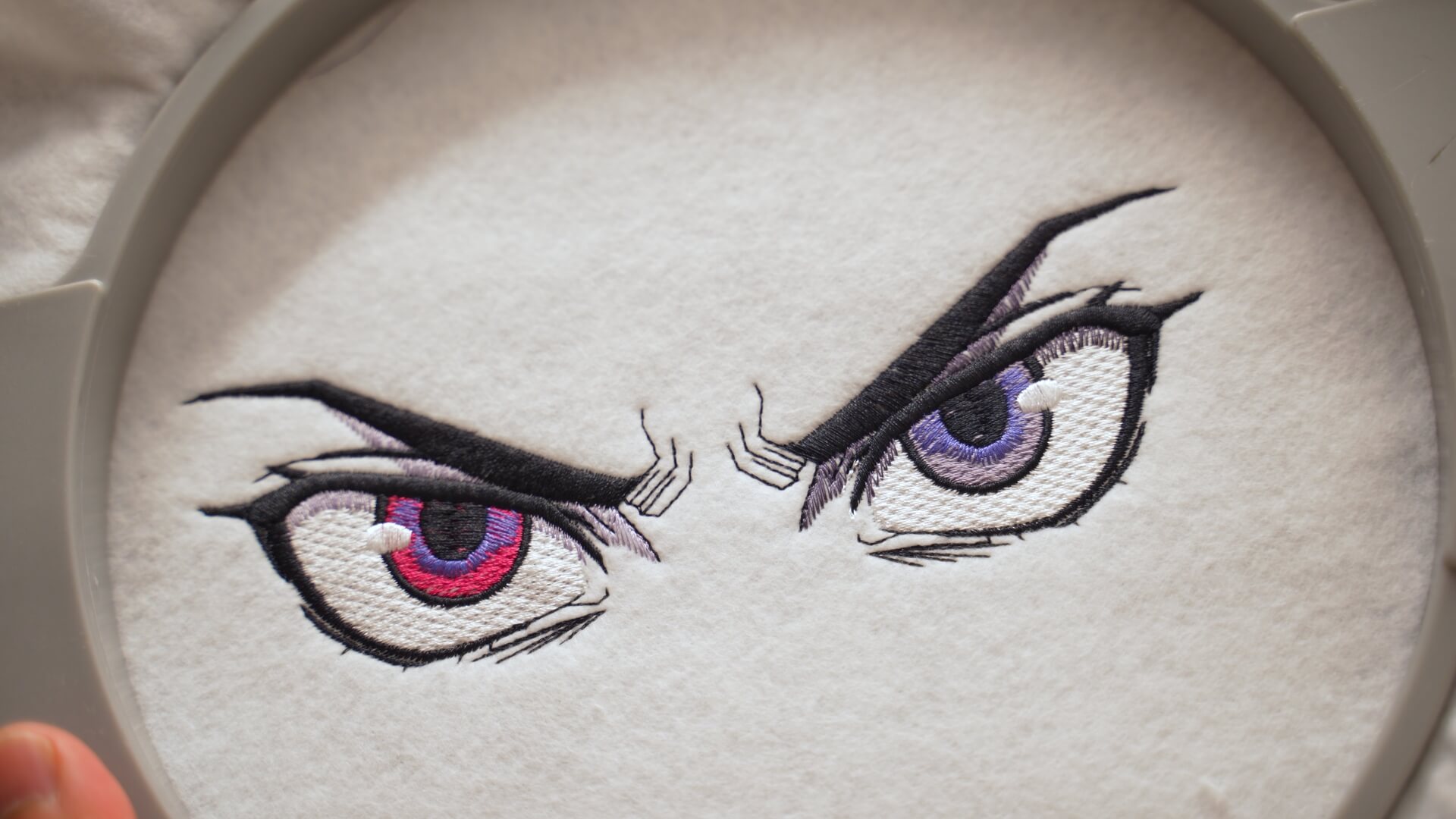
How to Digitize Anime Eye Embroidery Designs: Add Depth, Shading & Expression
$99.95
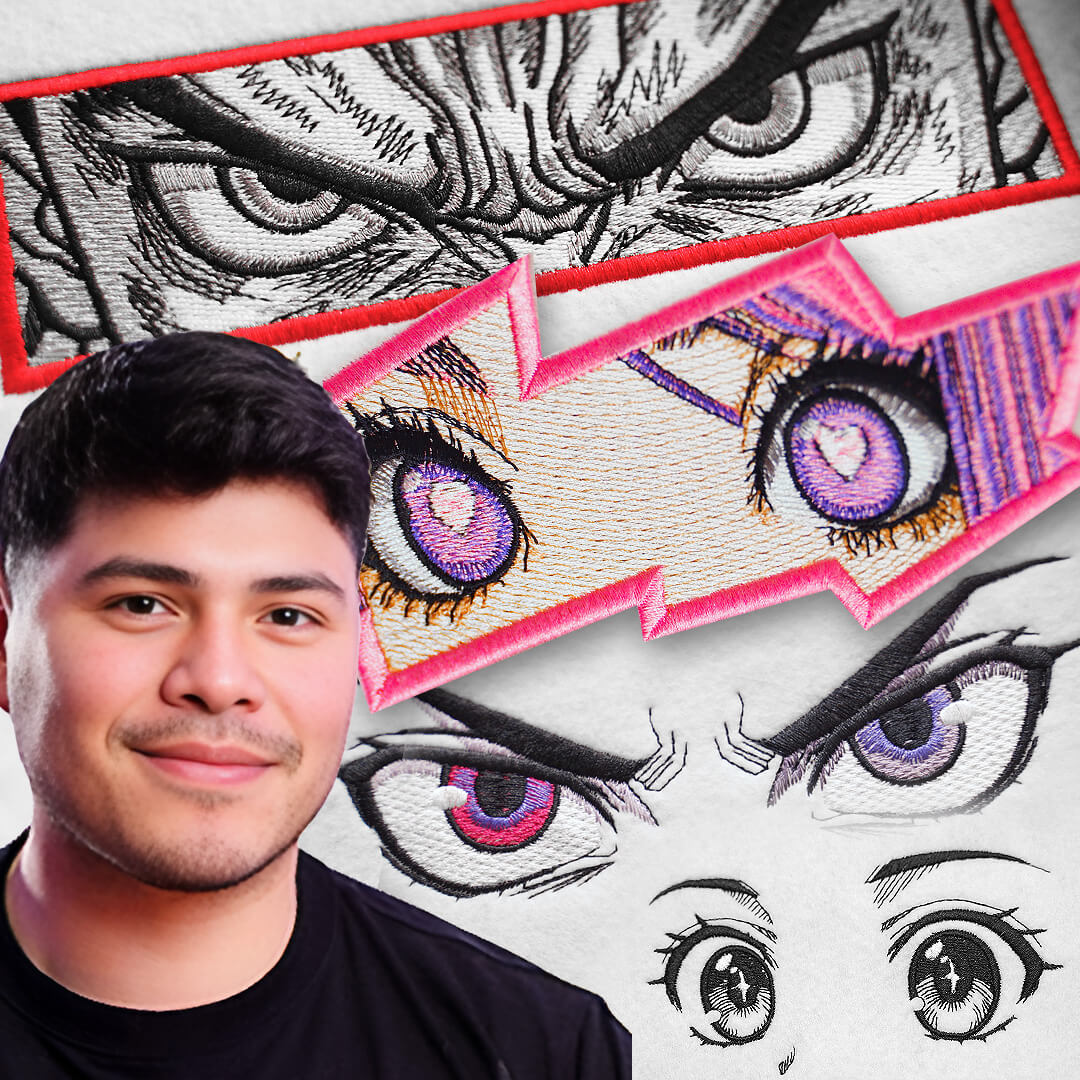
Learn step-by-step how to digitize stunning anime eyes with outlines, satins, fills, and shadows—so your embroidery designs have depth, shading, and expressive detail.
Course Information:
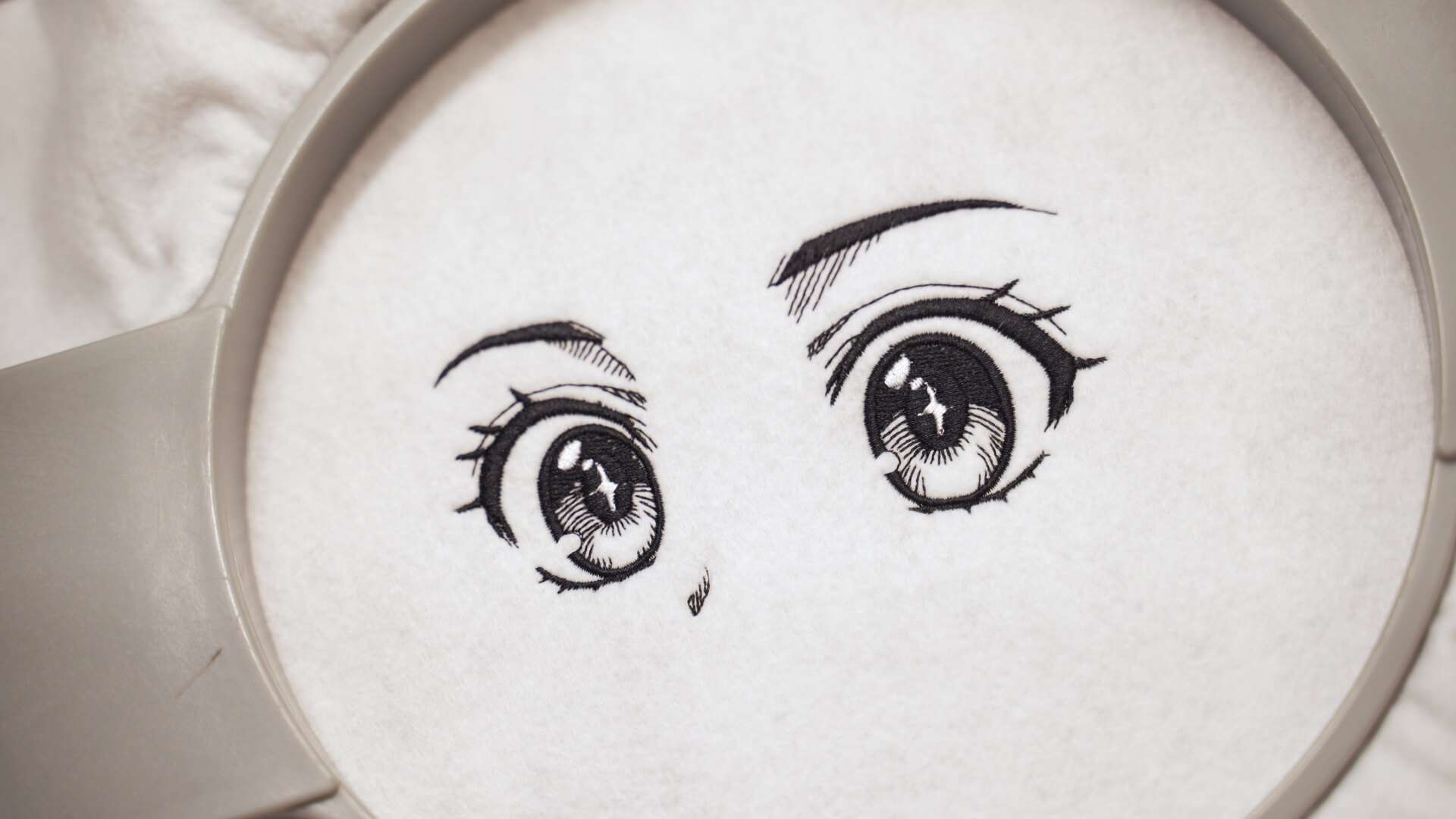
- Video 1: Simple Anime Eyes – Digitize clean black-and-white anime eyes using runs and satins. Focus on smooth outlines, overlaps to hide edges, and basic pathing to minimize trims.
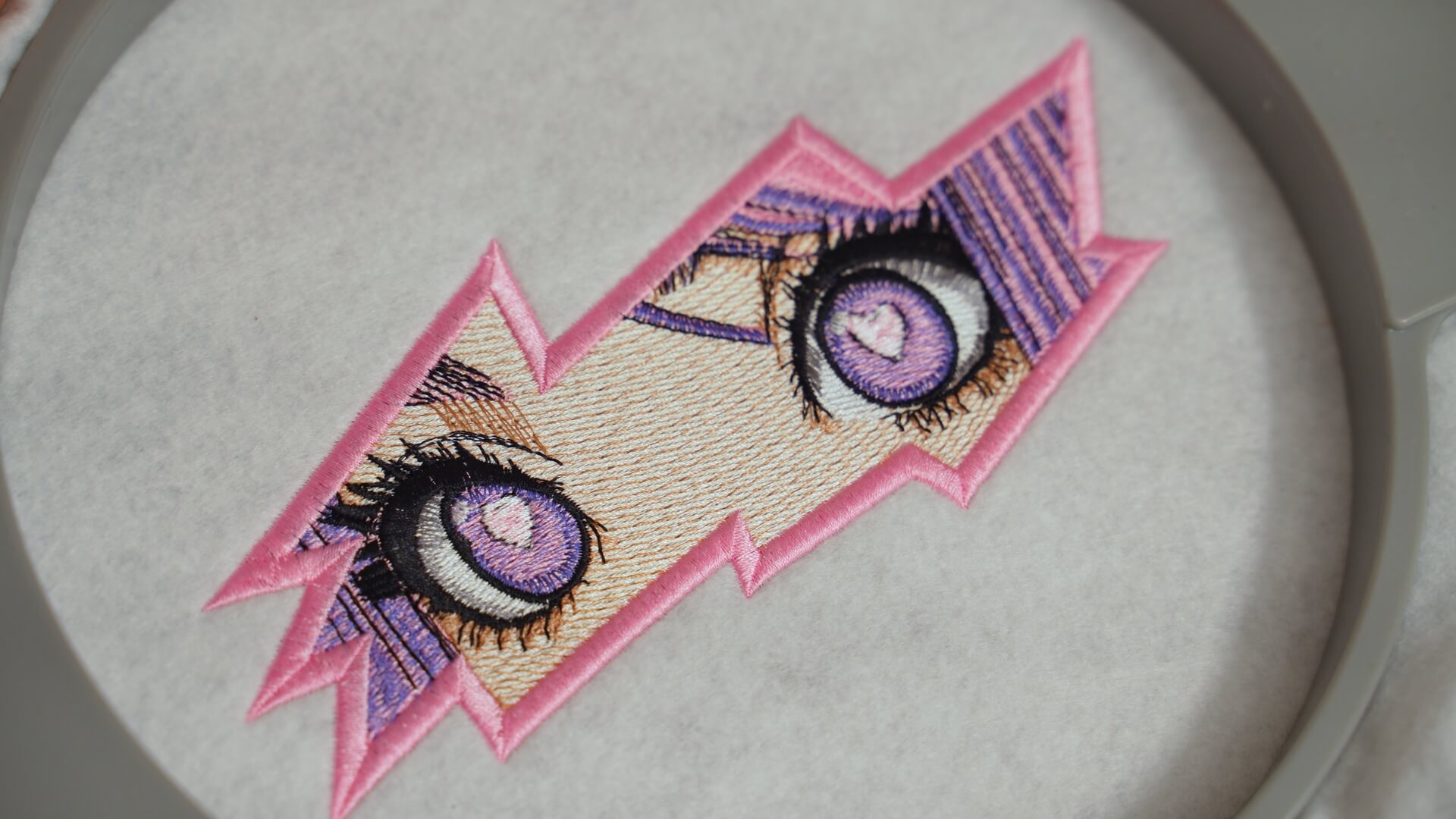
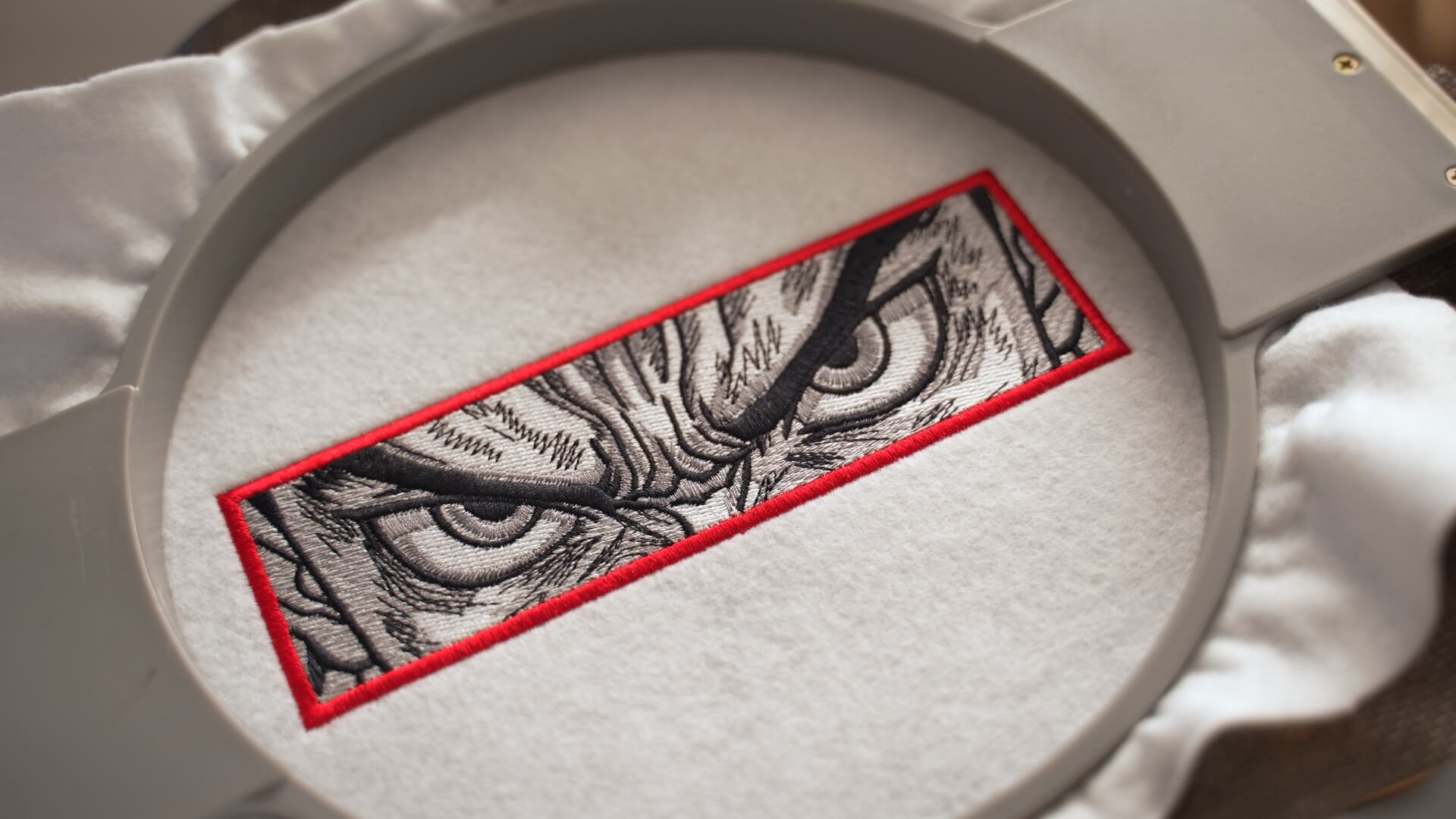
- Video 2: Adding Color & Shadows – Layer colors, fills, and shading to bring “angry” anime eyes to life. Add purple shadows, white fills, and learn how to mirror eyes for balanced pairs.
- Video 3: Complex Eyes with Skin Tones – Take on more advanced designs by digitizing skin tones, shadows, and facial details. Learn to set boundary guides, manage pathing, and use varied stitch angles for shading.
- Video 4: Final Project: Full Anime Eye Design – Combine everything in a polished 30,000-stitch anime eye. Use steil borders, custom densities, and angled fills to complete a hoop-ready design. Refine trims, test stitch flow, and finalize for embroidery.
Students have access to both Master (blank) and Done (completed) lesson files for side-by-side comparison, making it easier to check progress and stay on track.
Description
- Video 1: Simple Anime Eyes – Digitize clean black-and-white anime eyes using runs and satins. Focus on smooth outlines, overlaps to hide edges, and basic pathing to minimize trims.
- Video 2: Adding Color & Shadows – Layer colors, fills, and shading to bring “angry” anime eyes to life. Add purple shadows, white fills, and learn how to mirror eyes for balanced pairs.
- Video 3: Complex Eyes with Skin Tones – Take on more advanced designs by digitizing skin tones, shadows, and facial details. Learn to set boundary guides, manage pathing, and use varied stitch angles for shading.
- Video 4: Final Project: Full Anime Eye Design – Combine everything in a polished 30,000-stitch anime eye. Use steil borders, custom densities, and angled fills to complete a hoop-ready design. Refine trims, test stitch flow, and finalize for embroidery.
Students have access to both Master (blank) and Done (completed) lesson files for side-by-side comparison, making it easier to check progress and stay on track.
What you’ll master in this class
This masterclass combines technical stitch control with artistic creativity, progressively guiding you from simple to complex designs. You’ll learn how to transform flat anime artwork into dimensional and lifelike embroidery—starting with clean outlines and satins, then building into layered shadows, colors, and advanced stitch effects. Along the way, you’ll not only discover the tools within the Embroidery Legacy Software, but also how to think like an artist while problem-solving and pathing like a digitizer. Built on Ken’s renowned artistic abilities, this course gives you the confidence to balance precision with creativity—skills you can apply to any illustration-style embroidery, whether anime, logos, or character designs.
Important
This masterclass is exclusively taught using Embroidery Legacy Digitizing Software
…as its advanced yet easy-to-use tools make even complex techniques simple to master for all skill levels.
See why digitizers love our education

Lis Z 

Brenda G

Wendy

Katharine W

Danielle T

Chris C

Patricia D

Sonia D

Lisa O

Marzena F

Tracey M

Silvia V
Related products
- SALE
 Digitizer’s Dream Workshop
$29.95
Add to cart$79.0062% off