Master Embroidering Lettering: From Text Tools to Creative Applique
$99.95
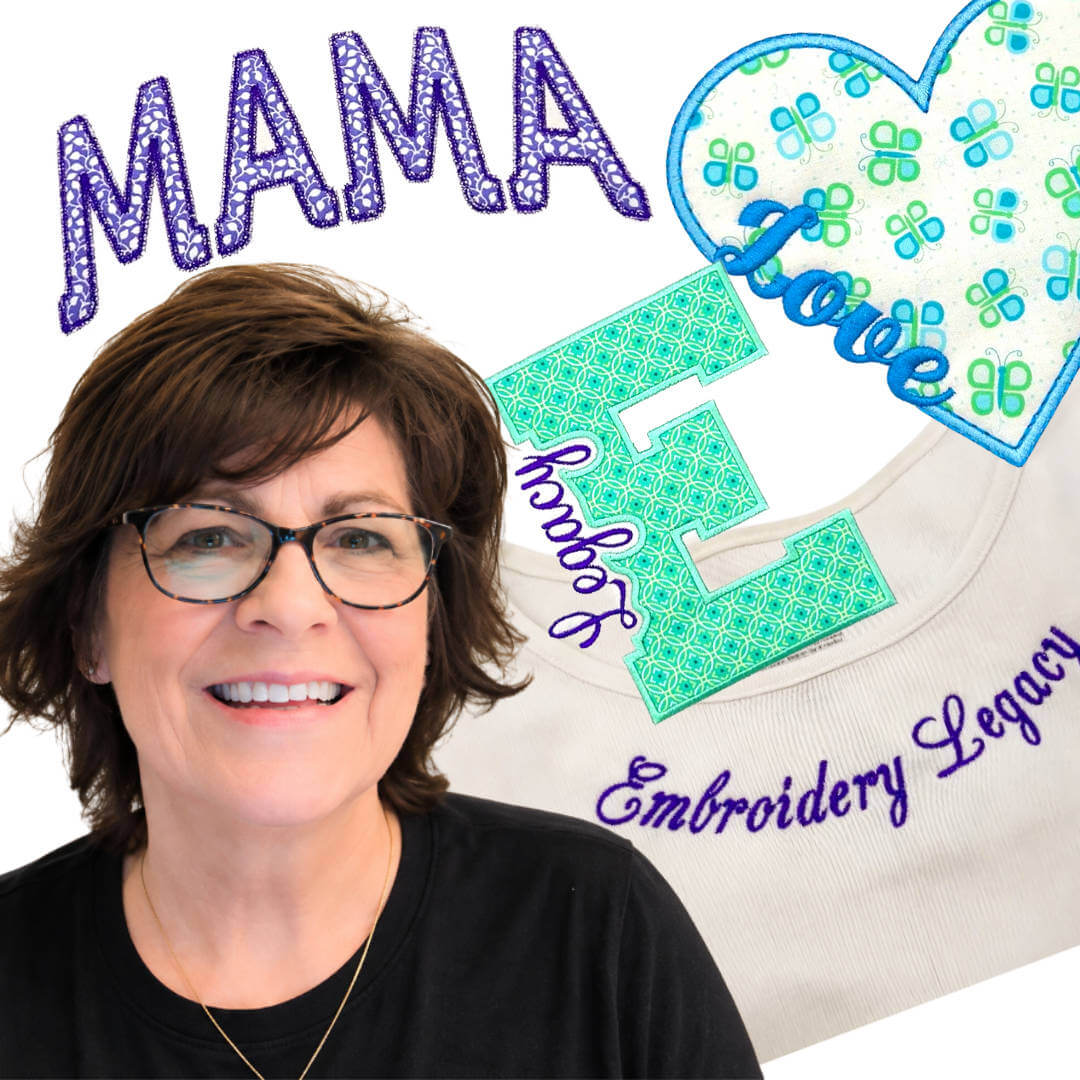
In this masterclass, you’ll learn how to take control of embroidery lettering to create polished, customized designs beyond basic text. Master essential lettering tools, curved layouts, motif appliqué, knockout effects, and advanced editing techniques inside Embroidery Legacy Digitizing Software.
Course Information:
- Video 1 — Master Your Lettering Tools
Build a strong foundation by learning how to control lettering properties, edit text, organize fonts, adjust spacing, slant, width, fills, underlay, pull compensation, and more. You’ll also discover how to fine-tune individual letters and reshape text into custom editable objects for greater creative control. - Video 2 — Create Motif Lettering Applique Turn ordinary lettering into decorative motif appliqué. Learn how to convert text into artwork and appliqué, clean up nodes, add motif stitching, control placement and tack-down stitches, and organize your color sequence for a stitch-ready design.
- Video 3 — Manually Digitize a Knockout Applique
Learn how to create a custom knockout effect when lettering overlaps an appliqué shape. You’ll build the knockout manually, remove sections of the cover stitch, add decorative bean-stitch contours, and sequence the finished design for clean embroidery. - Video 4 – Create Knockout Applique with TrueType Fonts Discover a faster approach to knockout appliqué using TrueType fonts and a napdown-style offset. Learn how to use artwork and exclusion tools to build the knockout, convert your design into appliqué, refine the satin border and underlay, and layer your lettering for a polished finish.
- Video 5 – Master Circle Text for Patches & Curved Designs
Take control of circle text for round patches, ovals, rocker-style designs, and other curved layouts. Learn how to adjust the circle independently from your letter size, combine fonts, separate upper and lower text, control spacing, and fine-tune individual letters for a balanced result.
- Video 6 – Shape Lettering Around A Neckline
Learn how to accurately curve and position embroidery lettering around a garment neckline. You’ll use a scaled photo backdrop, create guidelines, reshape your lettering, build an actual-size placement template, and set your design to sew from the center outward for better garment embroidery
What you’ll master in this class
This masterclass goes far beyond choosing a font and typing a word. You’ll learn how to treat lettering as an editable part of your embroidery design, giving you greater control over how your finished projects look and sew. Follow real-world projects that show you how to apply these techniques to patches, garments, motif appliqué, knockout appliqué, and challenging curved placements. You’ll also learn how to troubleshoot your designs by adjusting spacing, nodes, stitch properties, underlay, sequencing, and placement instead of relying on default software settings. These techniques give newer digitizers a clear path forward while providing experienced embroiderers with creative ways to customize their lettering. Built on Embroidery Legacy’s decades of embroidery expertise, this masterclass will help you move beyond basic text and create lettering that truly becomes part of your design.
Important
This masterclass is exclusively taught using Embroidery Legacy Digitizing Software
…as its advanced yet easy-to-use tools make even complex techniques simple to master for all skill levels.
See why digitizers love our education

Lis Z 

Brenda G

Wendy

Katharine W

Danielle T

Chris C

Patricia D

Sonia D

Lisa O

Marzena F

Tracey M

Silvia V