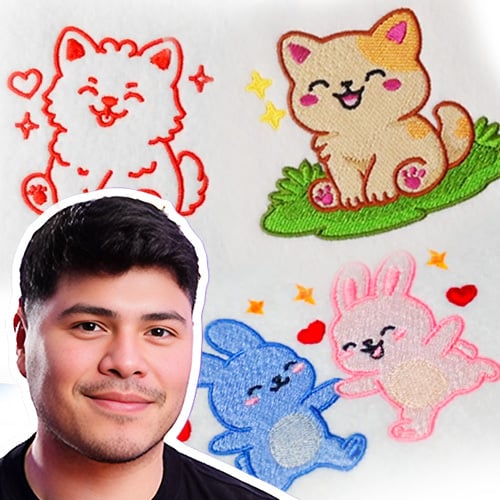
The Chibi Stitch Style: Build Adorable Characters with Pro-Level Pathing
$99.95
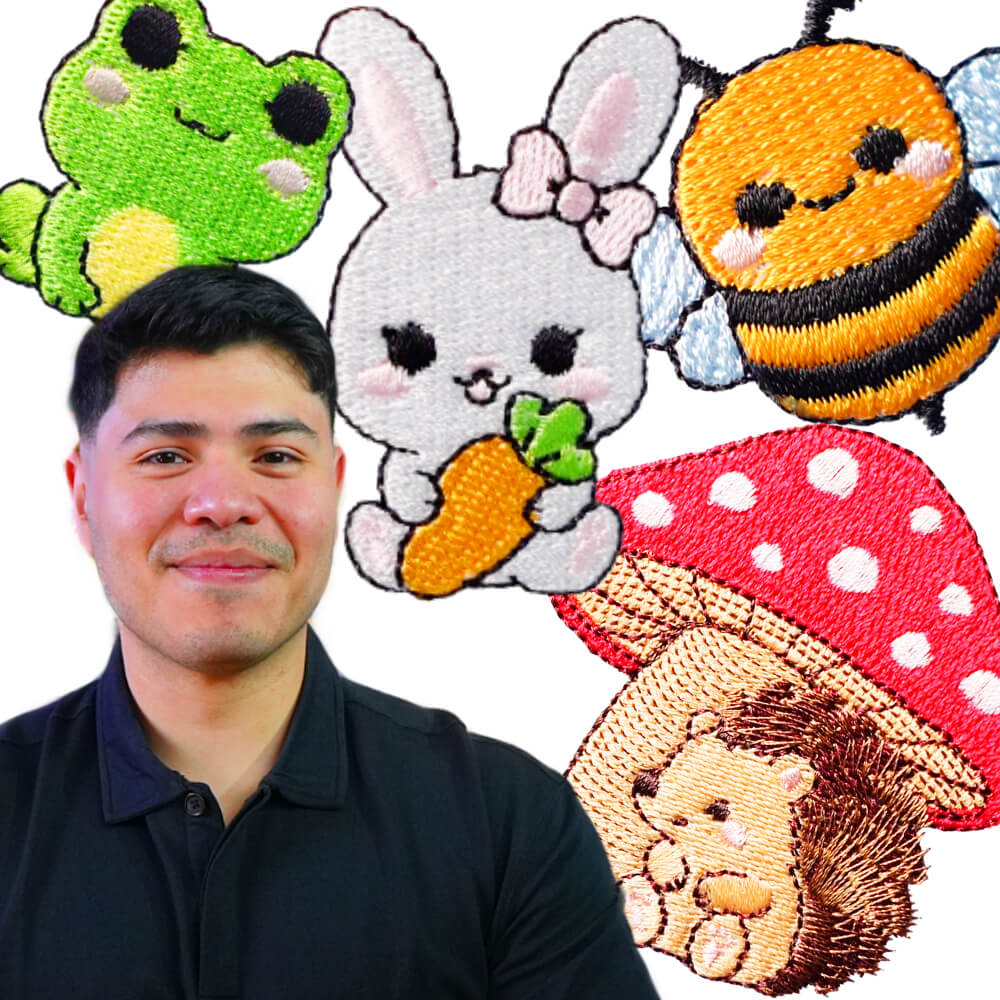
In this class, you’ll learn how to digitize chibi-style embroidery designs with clean satin outlines, smooth connected pathing, and crisp fills so you can stitch adorable characters that line up beautifully and need minimal cleanup after.
Course Information:
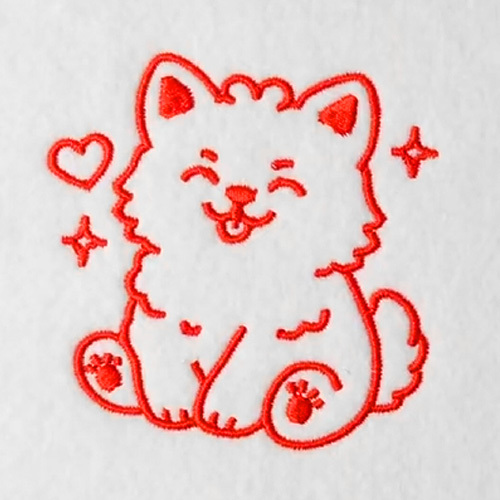
- Video 1: Clean Outlines + Connected Pathing (Puppy Design) – Learn an outline-first workflow using the Steil tool, Classic Satin, and run-stitch connections so your chibi design stitches in a smooth, efficient flow. You’ll also use Smart Join to connect shapes cleanly and finish with a practical Properties check (including line cap fixes) to reduce trims and post-stitch cleanup.
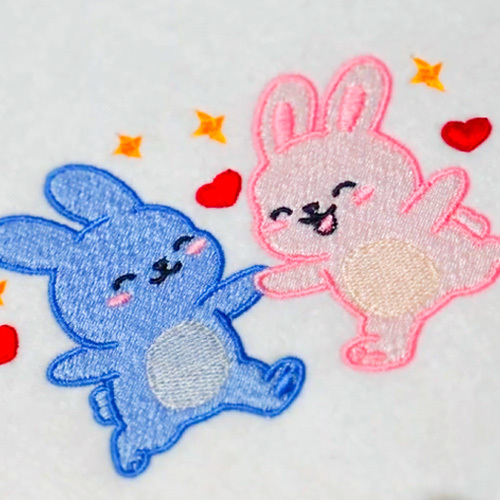
- Video 2: Adding Fills + Solving Tricky Overlaps (Blue Bunny Part 1) – Move from outlines into fills and effects while keeping the chibi look sharp and readable. You’ll learn how to handle confusing overlap zones (like a paw near the face), set fill angles for better separation, and start using push/pull compensation so your fills stay inside outlines without gaps.
- Video 3: Finish the Second Bunny + Add Hearts/Stars (Pink Bunny + Details) – Build the second bunny from scratch to lock in the process, then level up with cute details that still stitch clean. You’ll learn how to lock finished sections, create hearts with an outline-first method, and control sequencing with Digitize Before so small elements stitch in the cleanest order—while applying push/pull thinking to prevent tiny gaps.
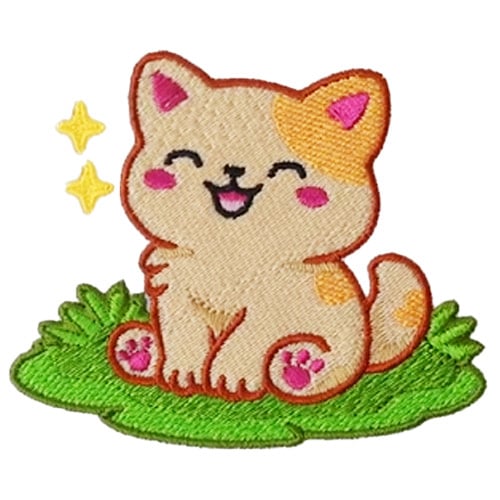
- Video 4: Final Project: Combine Everything into One Finished Scene (Grass + Kitty/Puppy) – Bring everything together into one finished chibi scene—outlines, fills, shadows, patterns, and clean details—using a repeatable workflow you can reuse on future designs. You’ll digitize background elements (like grass) as their own system first, run a final sew simulation, and troubleshoot real issues like Smart Join start-point weirdness so your final stitchout stays consistent and aligned.
- Bonus: Get an extra “clean finish” layer of insight—quick checks, sequencing habits, and practical fixes that help your chibi designs stitch out neatly without getting stuck in trim-heavy cleanup.
What you’ll master in this class
If you’ve ever digitized a cute character that looked great on screen but stitched with gaps, overlaps, or messy trims, this masterclass fixes the workflow behind the problem. You’ll start with clean chibi outlines and connected pathing, then add fills, shadows, and details without losing alignment or definition. Along the way, you’ll learn the “why” behind push/pull compensation, fill-angle planning, and sequencing tools like Digitize Before/Digitize After—so you can make smart choices even when shapes get tricky. This class also includes real troubleshooting (not perfect-world demos), including how to correct Smart Join behavior and start/stop issues. Built on decades of embroidery expertise, it’s designed to help you produce consistent stitchouts that look polished right off the machine. Plus, you can get support inside Skool when questions come up as you practice.
Important
This masterclass is exclusively taught using Embroidery Legacy Digitizing Software
…as its advanced yet easy-to-use tools make even complex techniques simple to master for all skill levels.
See why digitizers love our education

Lis Z 

Brenda G

Wendy

Katharine W

Danielle T

Chris C

Patricia D

Sonia D

Lisa O

Marzena F

Tracey M

Silvia V
Related products
- SALE
 Digitizer’s Dream Workshop
$29.95
Add to cart$79.0062% off