
Download the Free Software Demo
This only takes a few minutes to install, and you'll be able to open the software and start exploring right away.
Watch This Quick Installation Walkthrough
This short video shows you exactly how to download, install, and open the software for the first time.
Prefer Written Instructions?
If you’d like a written guide, follow our step-by-step installation instructions here:
👉 View the Installation Guide
🎉 Welcome to Embroidery Legacy Software
Congratulations on downloading Embroidery Legacy Digitizing Software!
This program was designed by John Deer to simplify the digitizing process and make creating your own custom embroidery designs faster and easier than ever before.
The first thing you’ll likely notice when you open the software is the clean, modern interface.
If you were a chef, it would be difficult to cook in a cluttered kitchen. The same idea applies here. We simplified the workspace so you can focus on creating designs instead of fighting complicated tools.
There’s a lot more waiting for you inside the demo.
Open the program, explore the tools, and start getting comfortable with the layout. We think you’ll love what you see.
Hotkeys Cheat Sheet
Learning a few simple keyboard shortcuts can make digitizing much faster and smoother.
Keep it beside your computer so you can quickly reference the most useful shortcuts inside the software.
Need Help?
If you run into trouble installing the software, we’re happy to help. Email us for technical support, or join our community to ask questions and see what others are creating.
Email Support
contact@embroiderylegacy.com
Join Community
Connect in our Facebook Group
Optional: Quick Tour of the Interface
If you’d like a little more confidence before the next lesson, watch this quick walkthrough of the software’s layout and tools.
This quick walkthrough will help you get comfortable with:
- the workspace
- the main tools
- how designs are created inside the program
Once you’ve seen how everything is laid out, you’ll have a much clearer understanding of how the software works.
Ready for the Next Step?
Once the software is installed and open, mark this lesson as complete to continue.
In the next lesson, you’ll create your first embroidery design inside the software. This is where the real fun begins.

Try Embroidery legacy
Digitizing Software – Free
Create your own embroidery designs with confidence using
digitizing software that actually makes sense.
Faster, cleaner, easier.
See it in Action: Creating a Design in 3 Minutes
Watch how beginner Sarah went from blank canvas to finished embroidery


Try Embroidery Legacy
Digitizing Software – Free
Create your own embroidery designs with confidence using digitizing software that actually makes sense.
Faster, cleaner, easier.
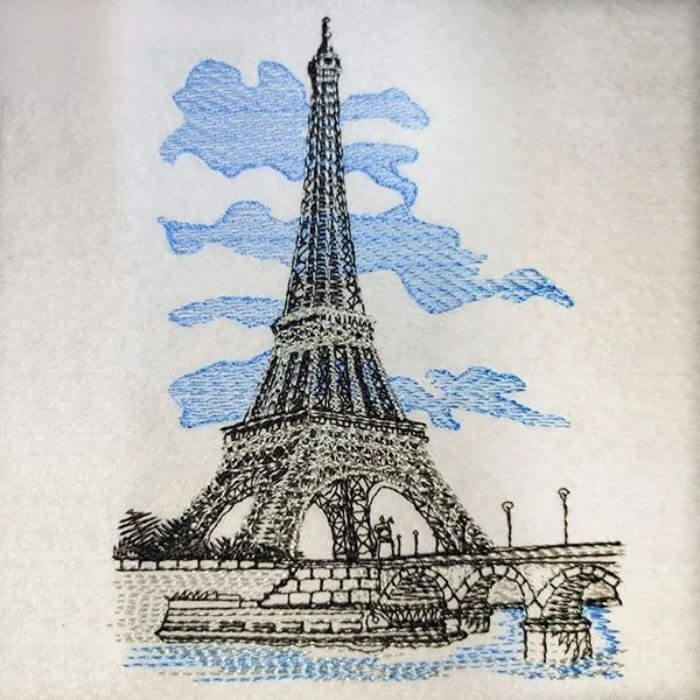

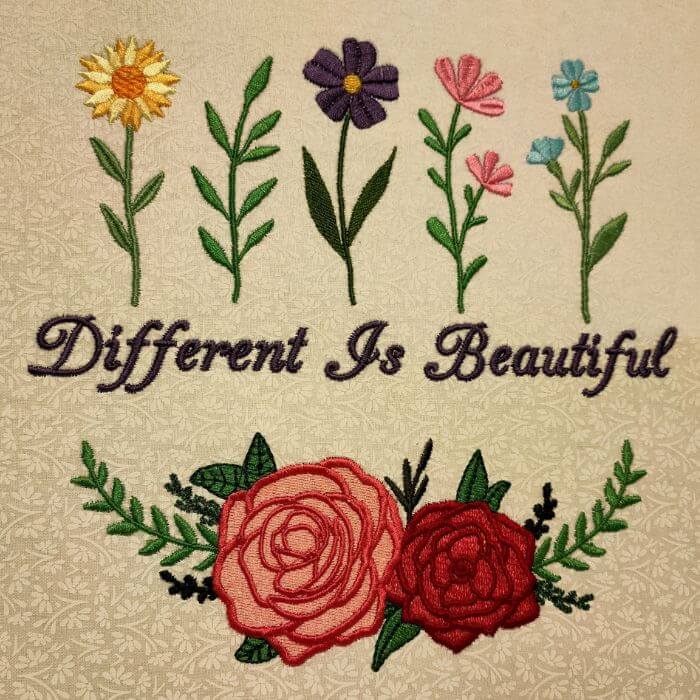
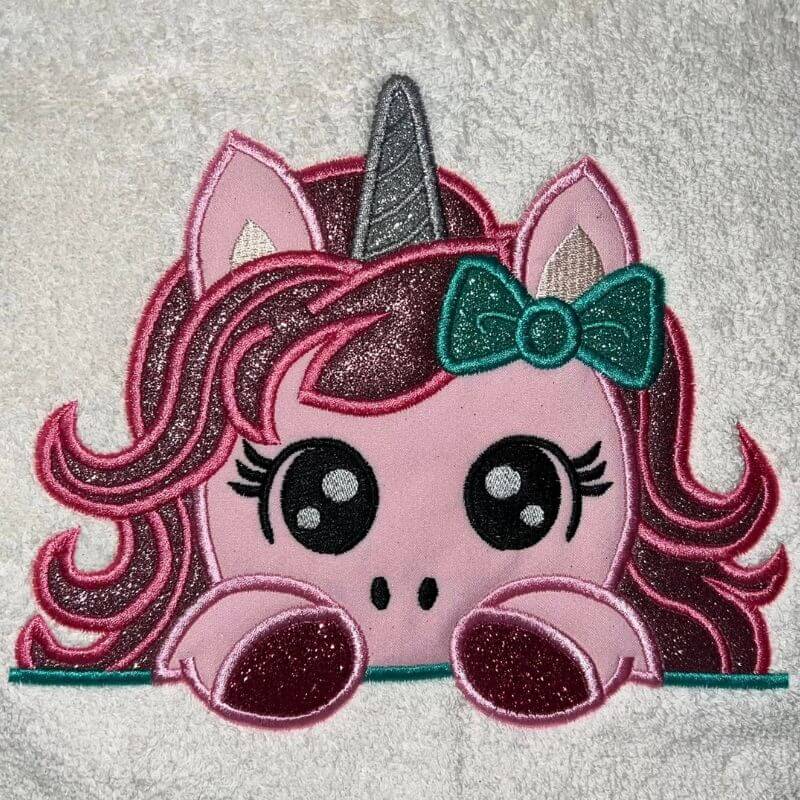
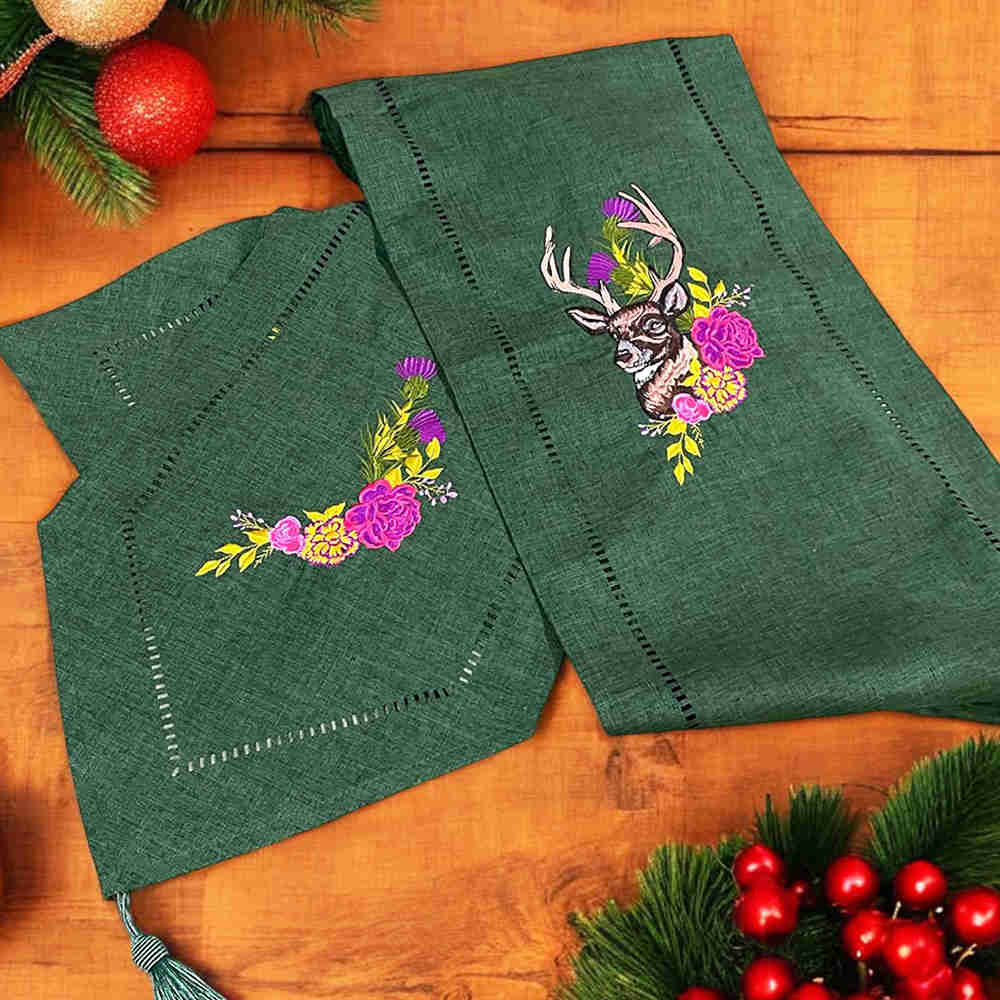
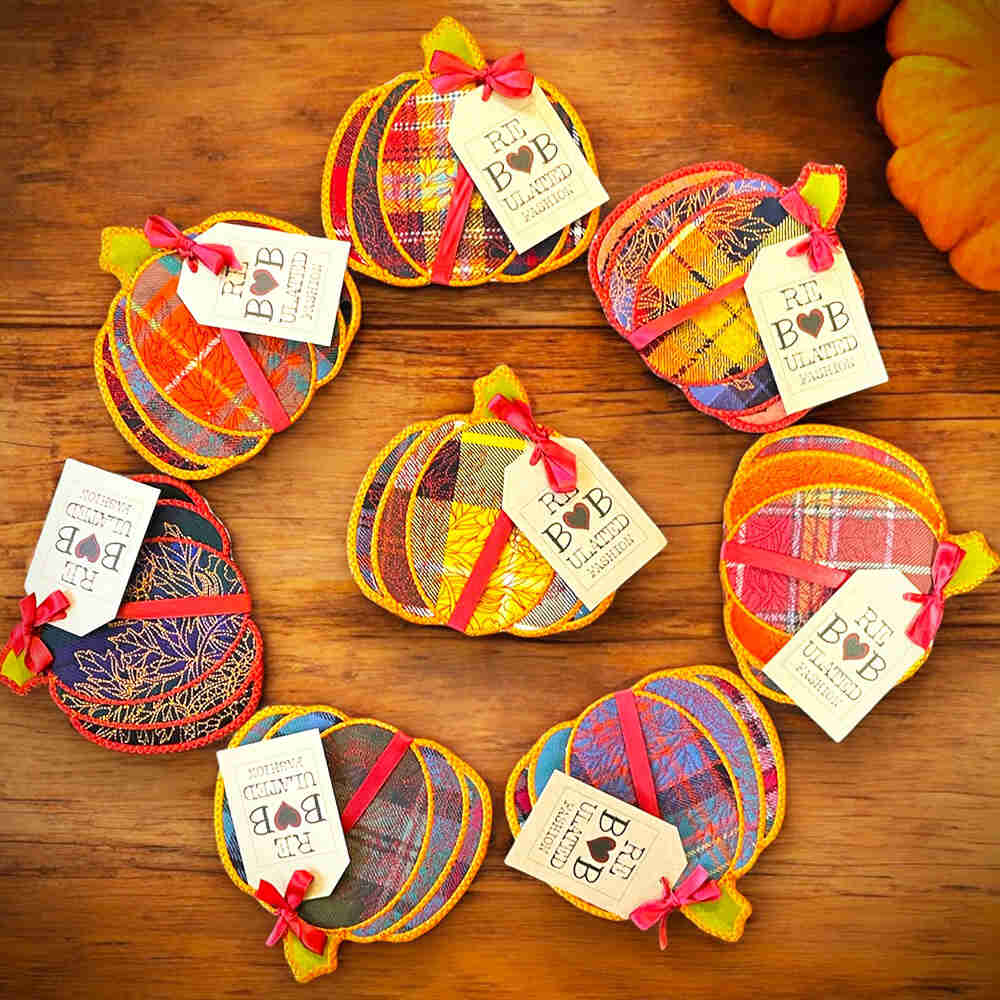
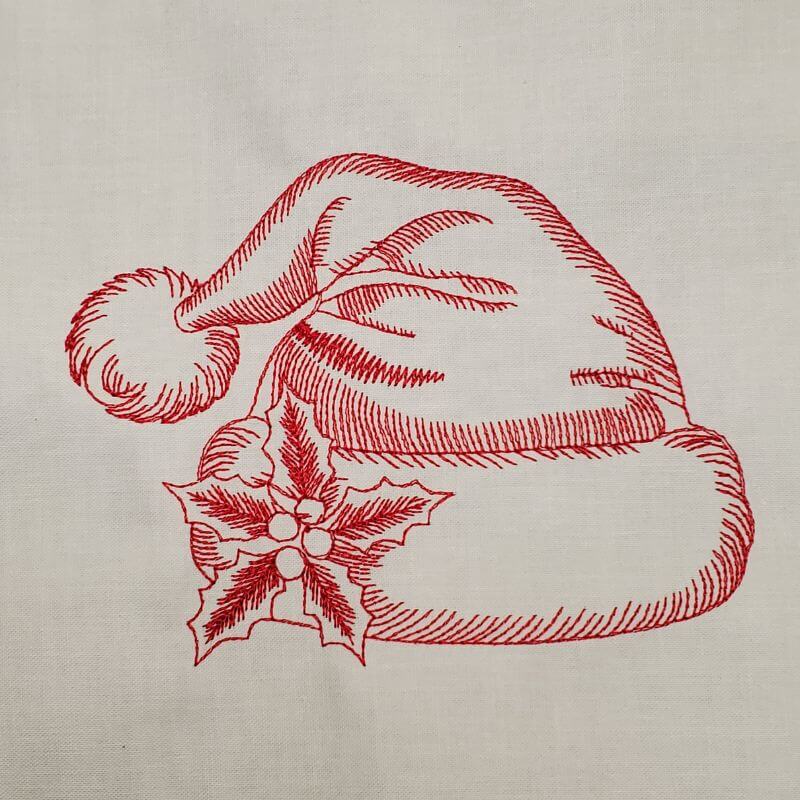
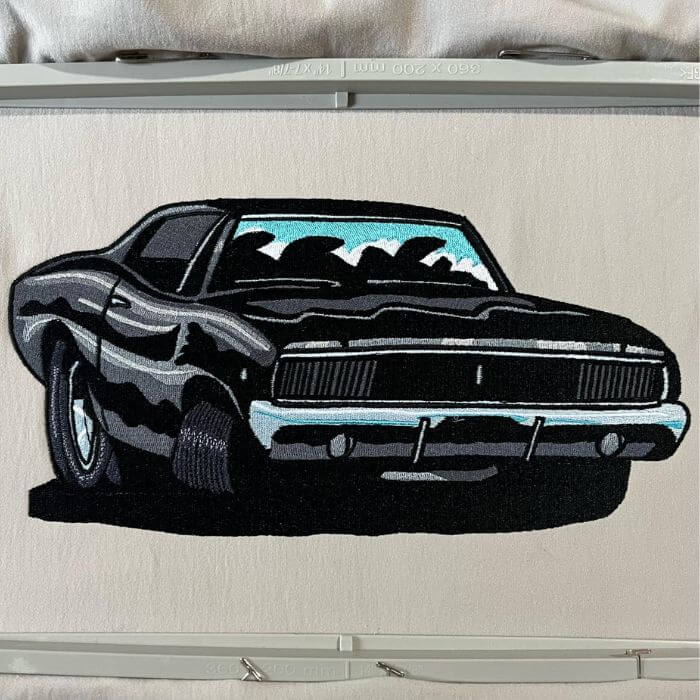
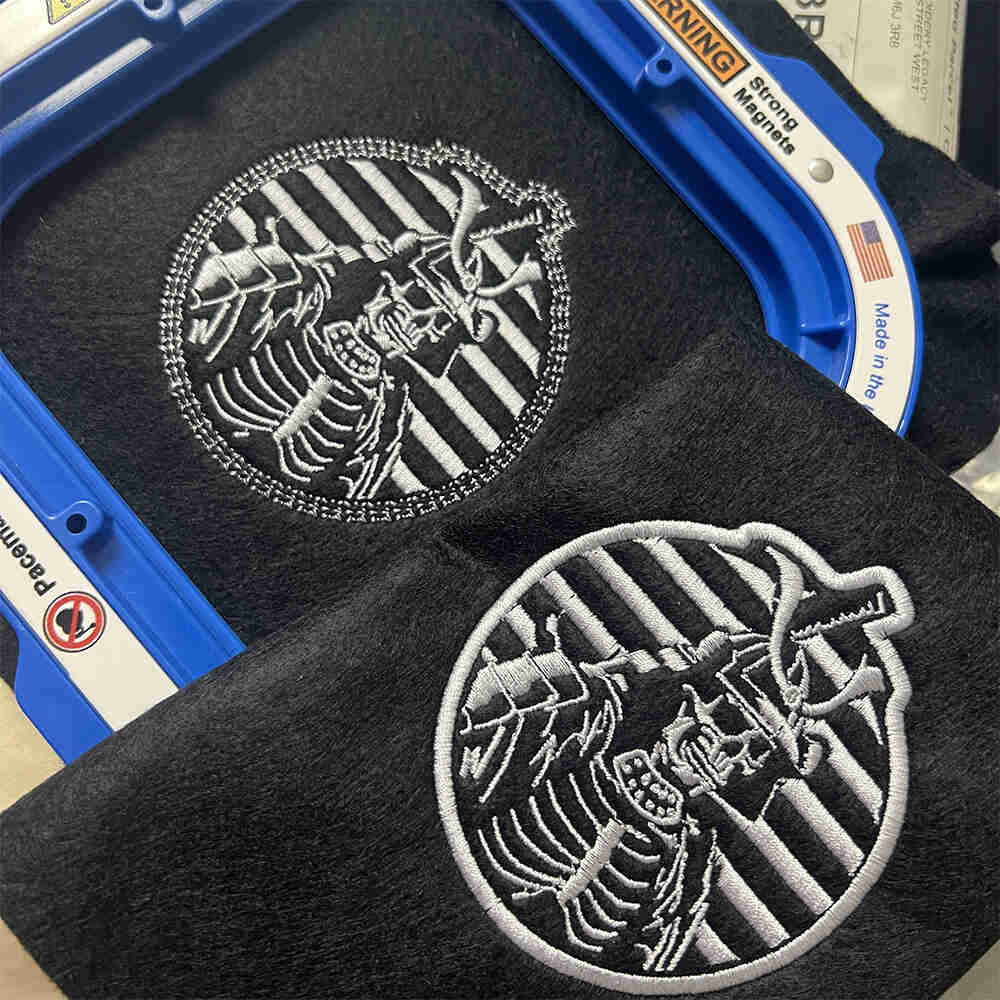

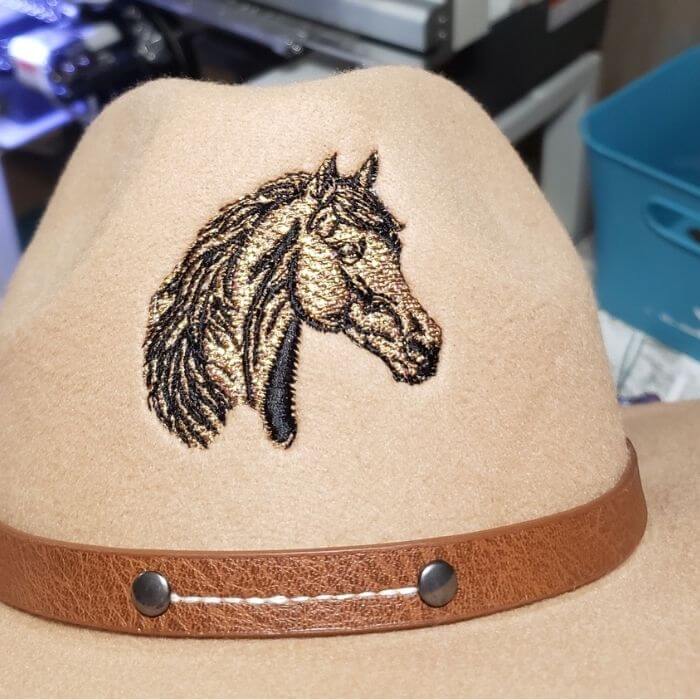
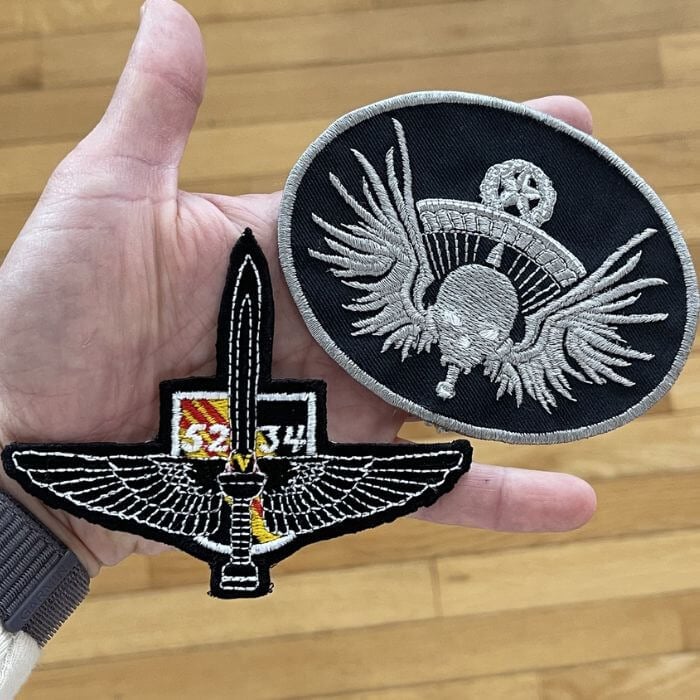
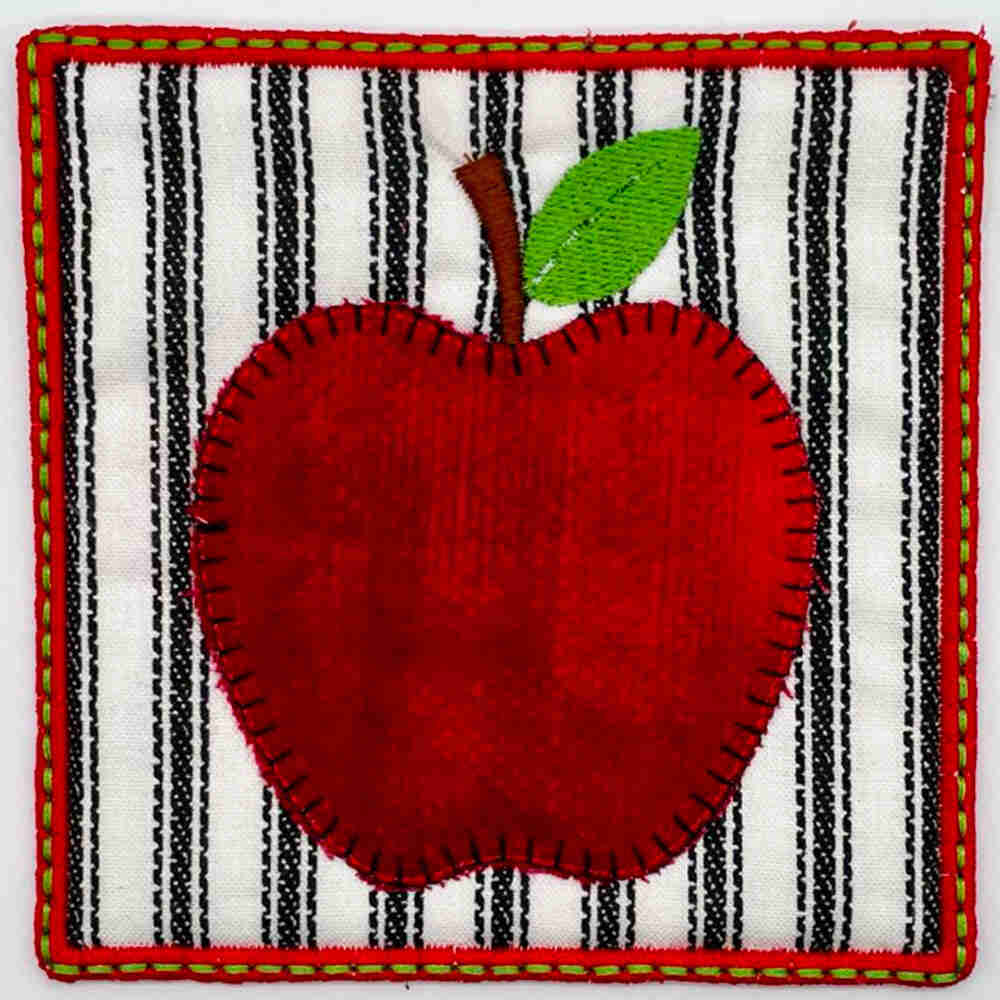
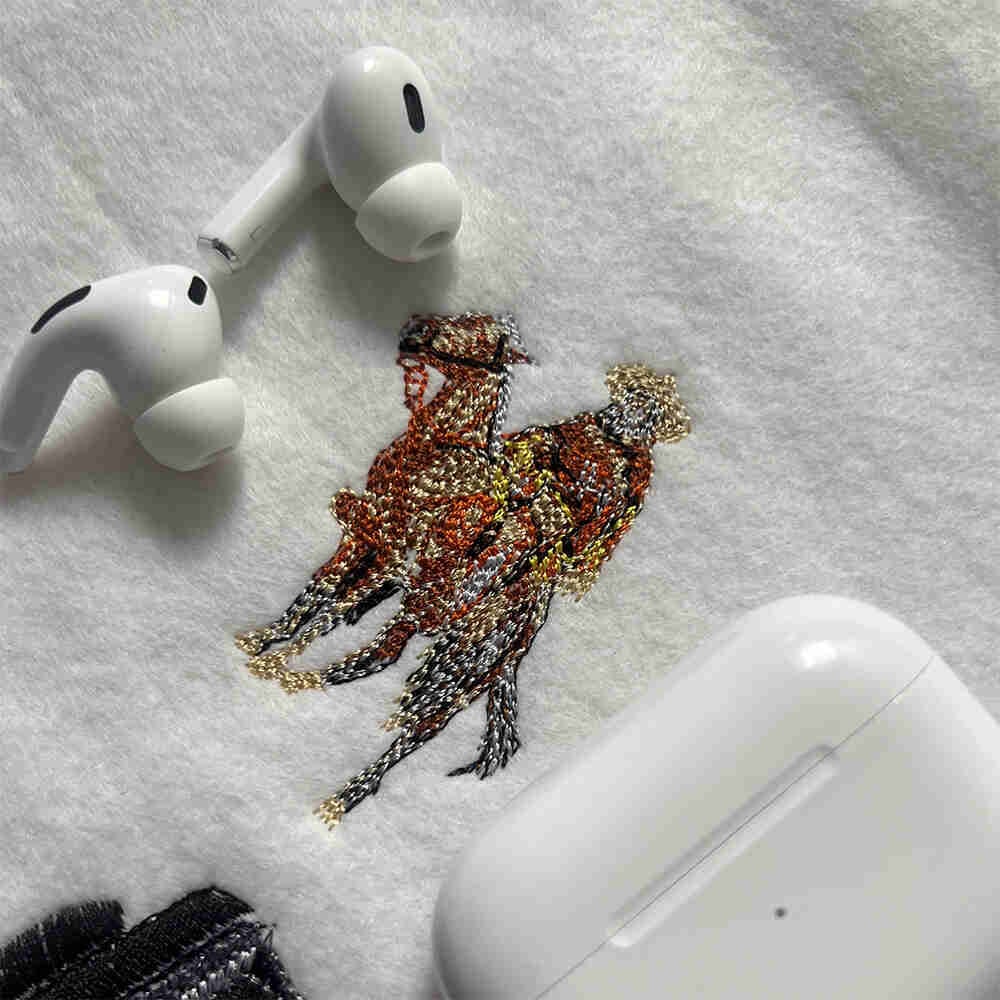



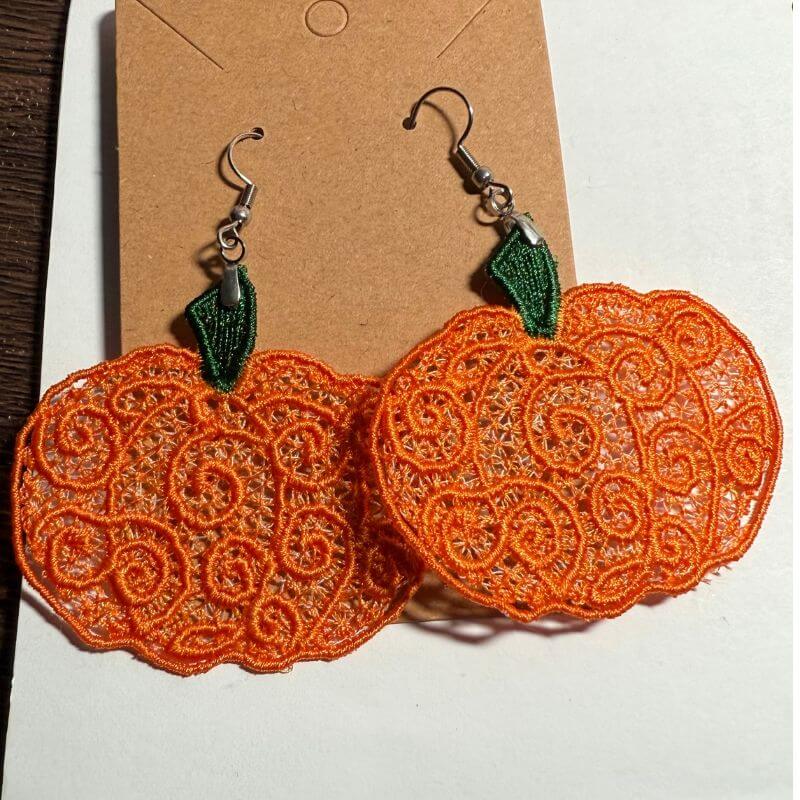
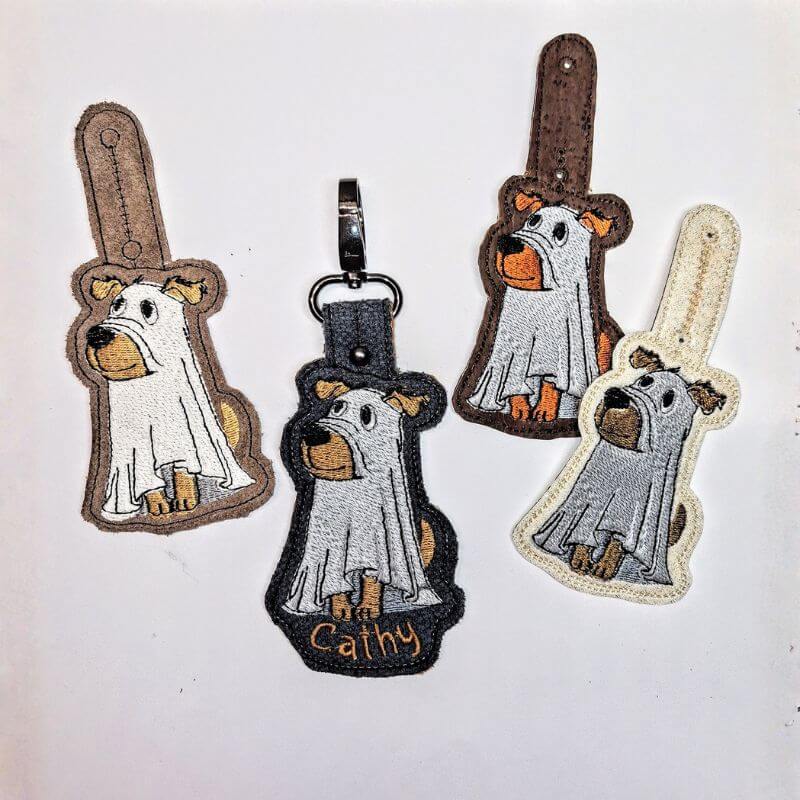
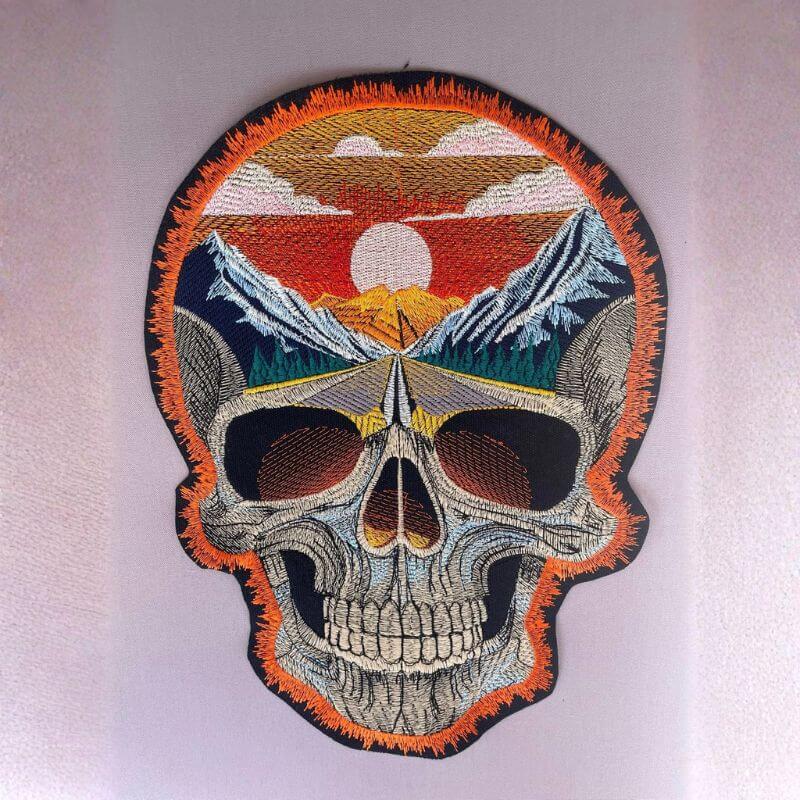
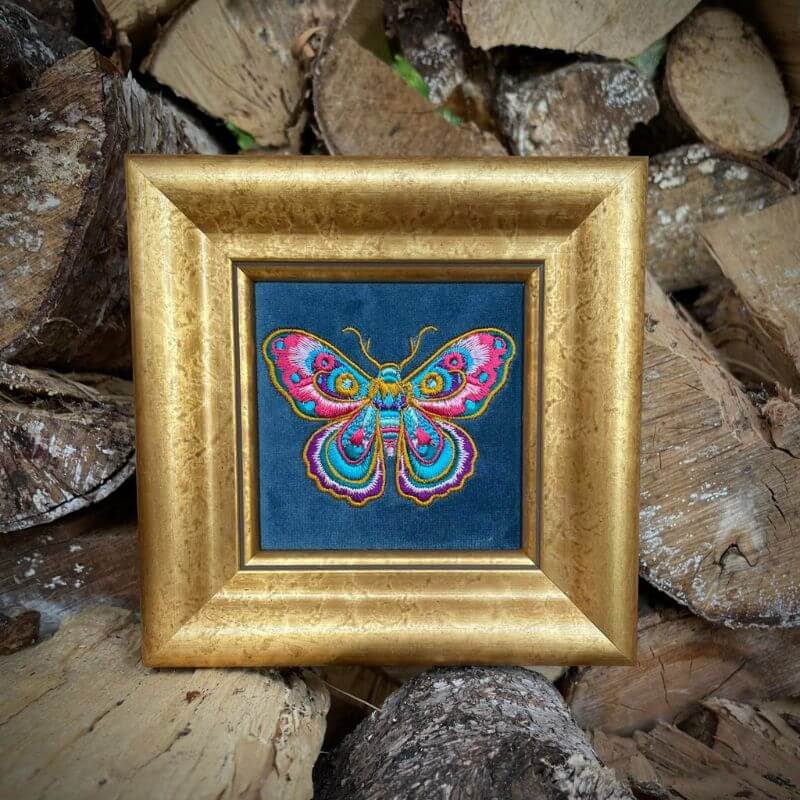
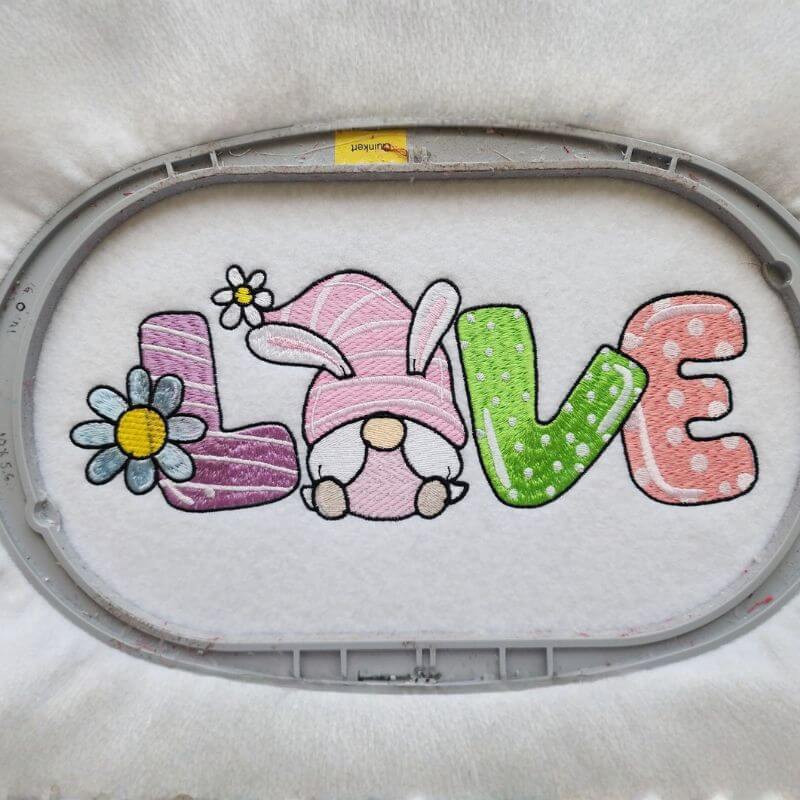
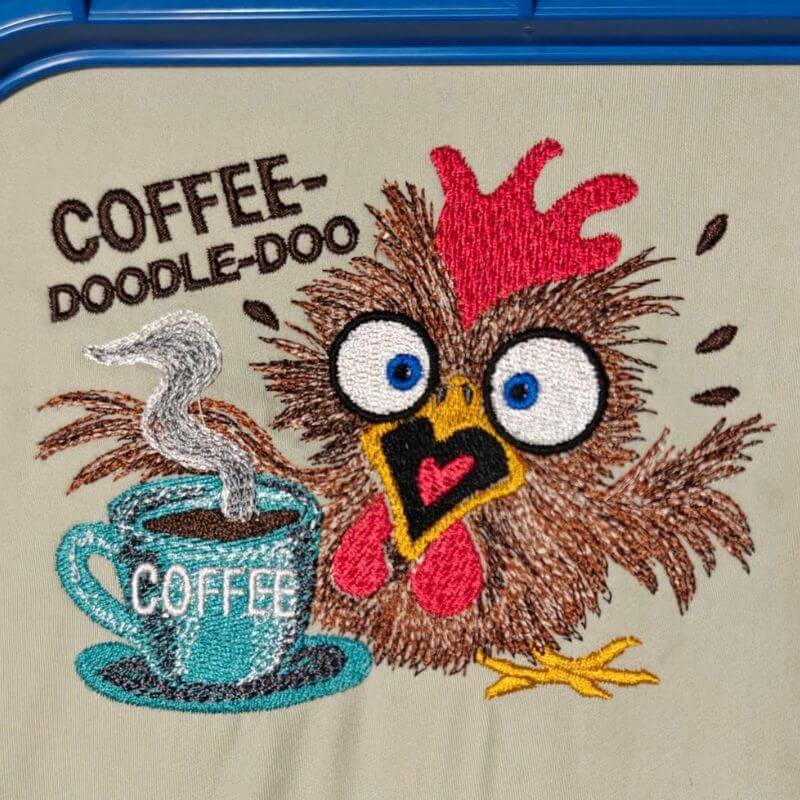
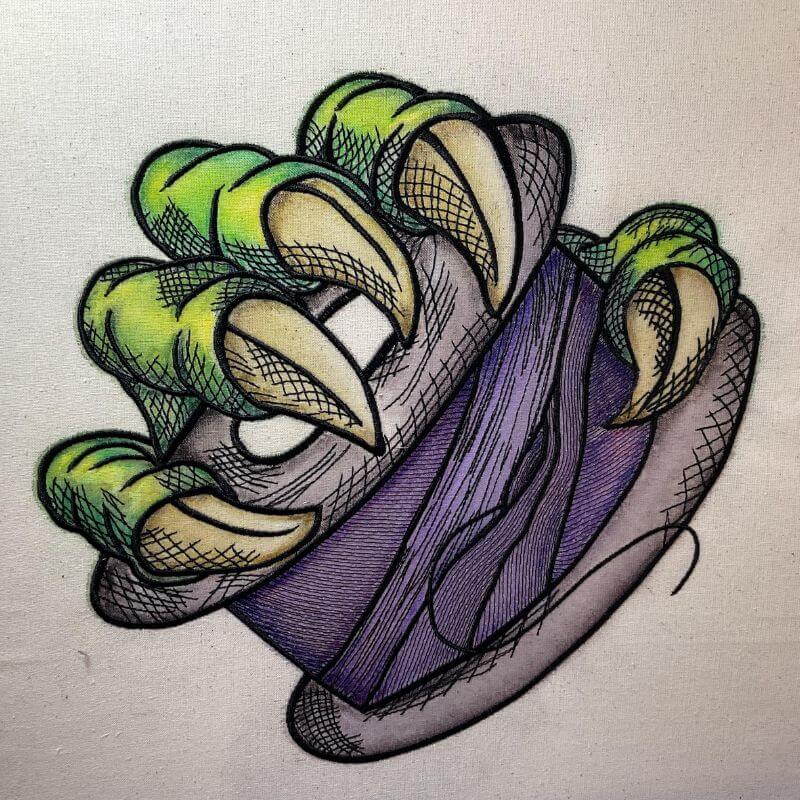
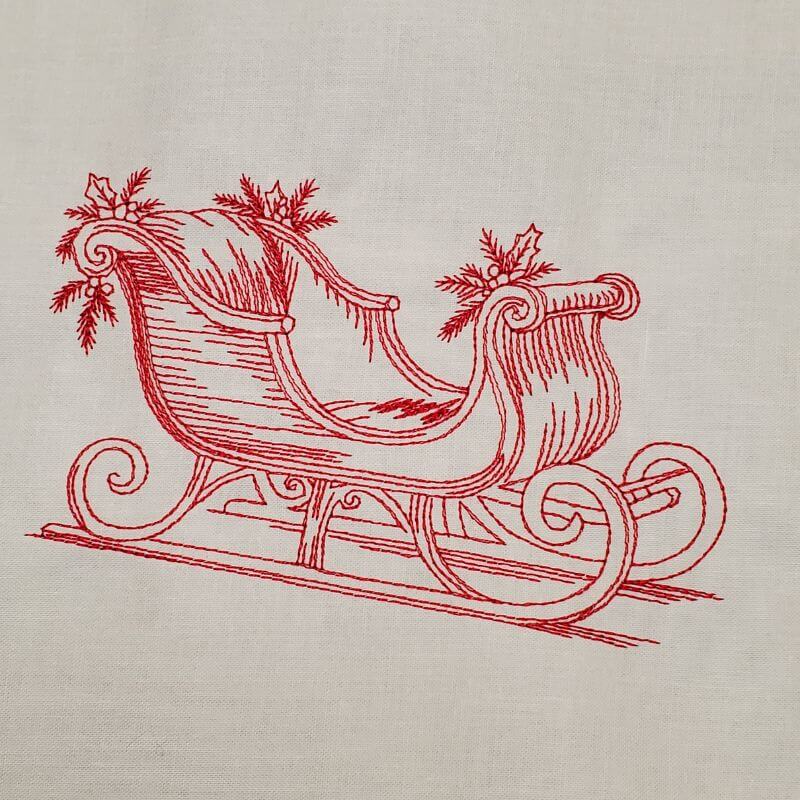
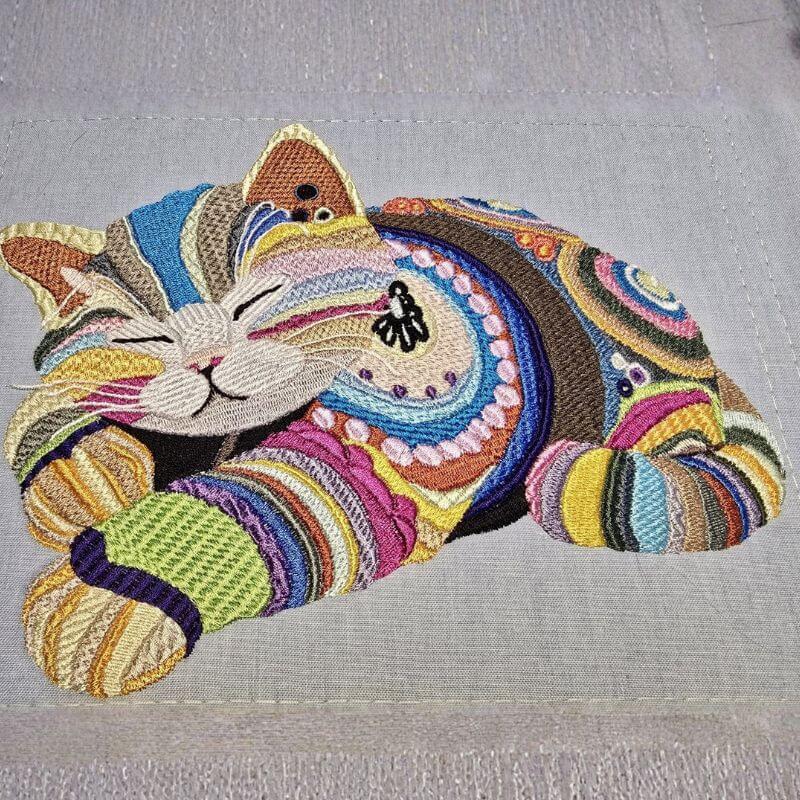
Start creating stunning embroidery designs today
Start creating stunning embroidery designs today
Instant Access
Start creating designs in the next 5 minutes
Free Training Included
Step-by-step video tutorials
Full Feature Access
Explore every tool before upgrading
Get FREE Demo Access
Takes less than a minute. No credit card required.
Create your account and instantly access the software and training.


Easy Pay
Spread your payments over 12 months
NEW
$99.95/month $124.95
✨ What Sets Us Apart
A few of our revolutionary features
Innovations designed to make digitizing faster, cleaner, and more intuitive
Works with ALL Embroidery Machines
No matter what machine you own, Embroidery Legacy has you covered
Compatible Brands
Janome
Bernina
Poolin
Husqvarna
Pfaff
Singer
Viking
Elna
Babylock
Brother
25+ File Formats
.DST
.PES
.JEF
.EXP
.VP3
.HUS
.VIP
.XXX
.SEW
.CSD
.PCS
.EMD

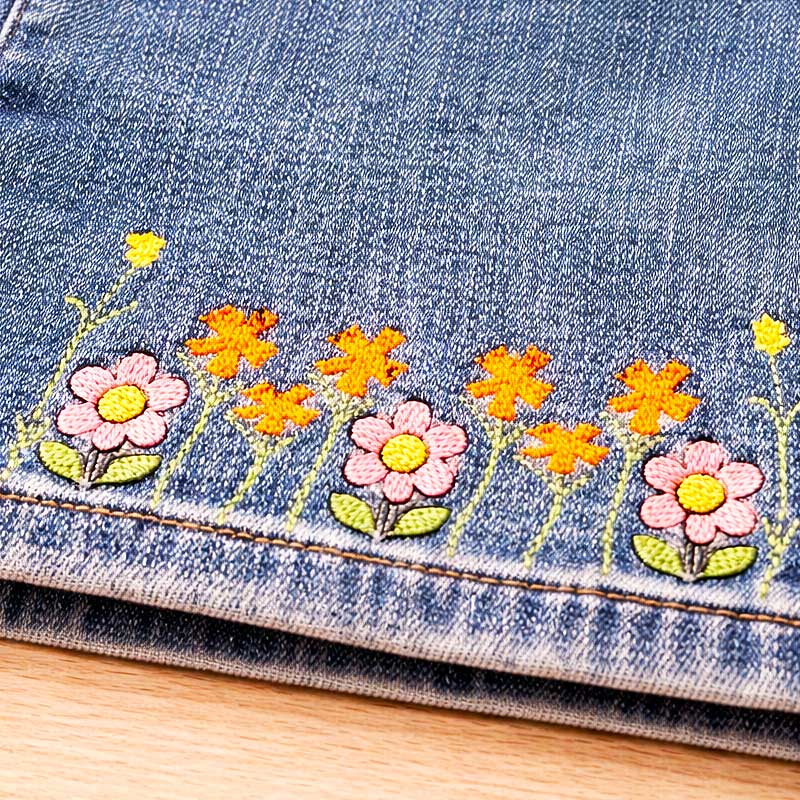
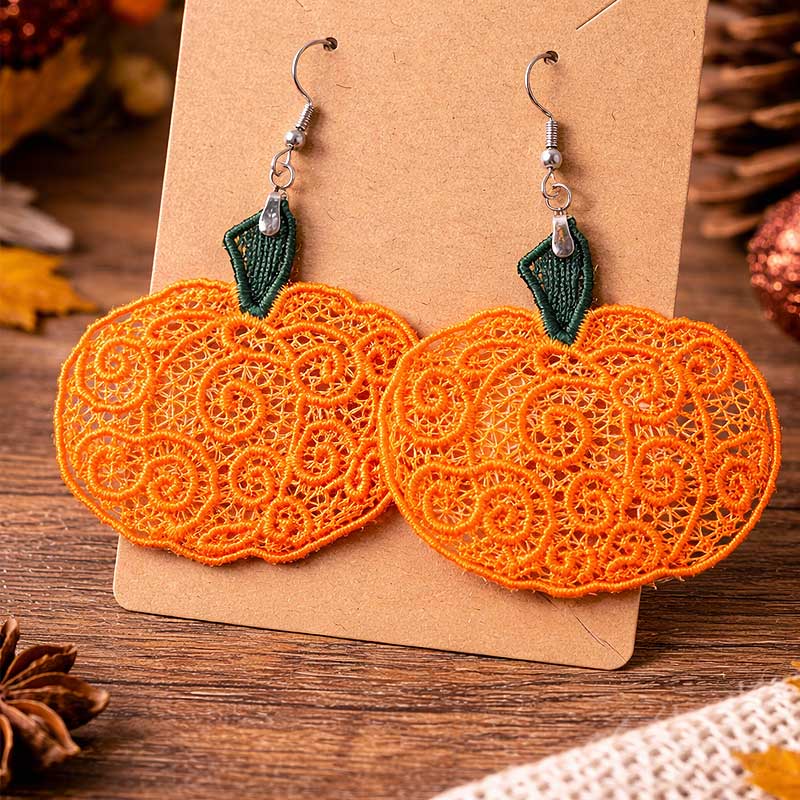
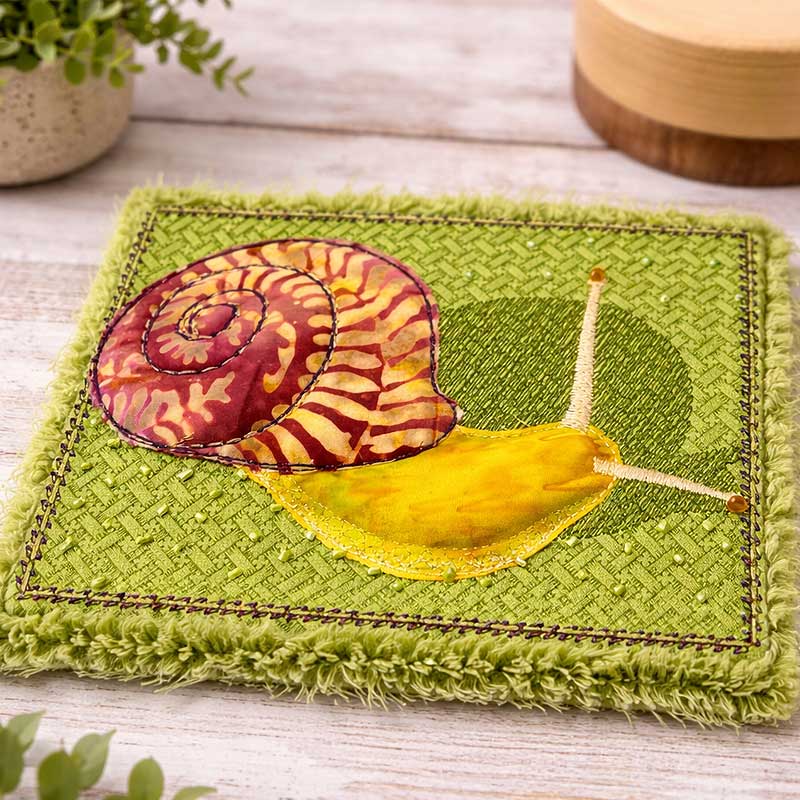


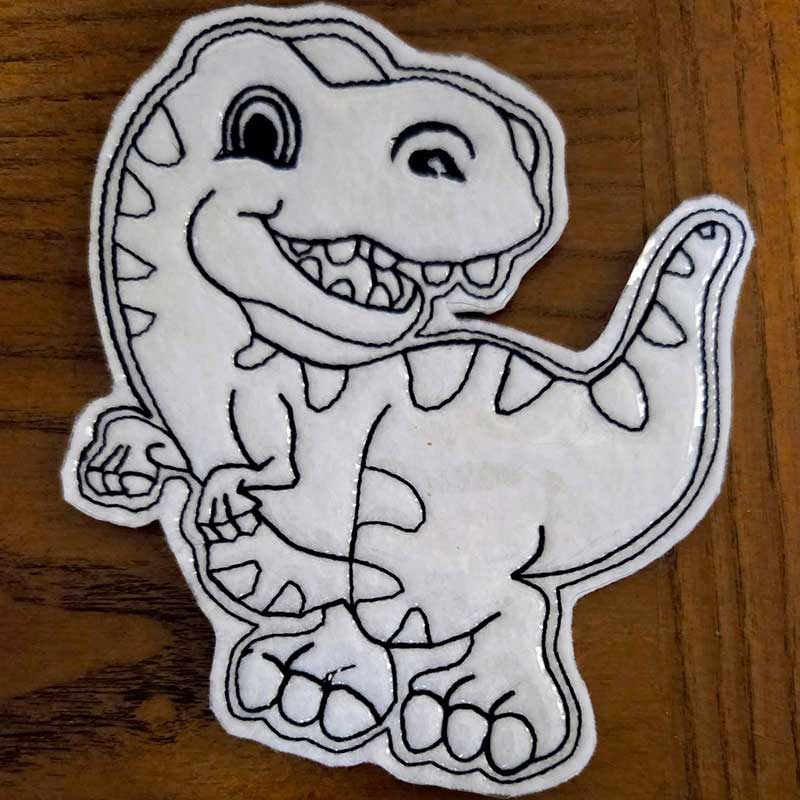
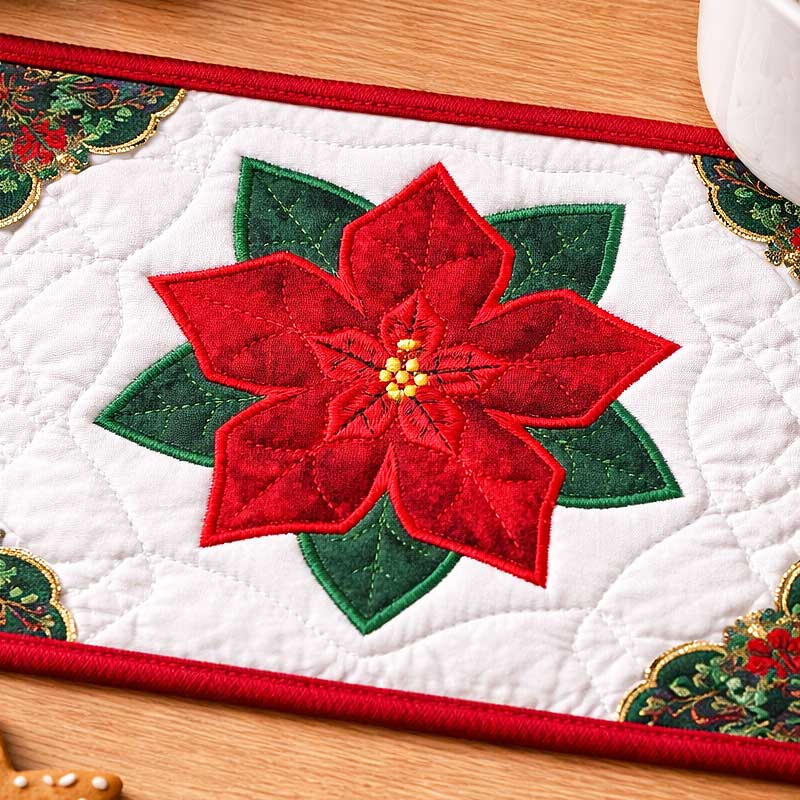
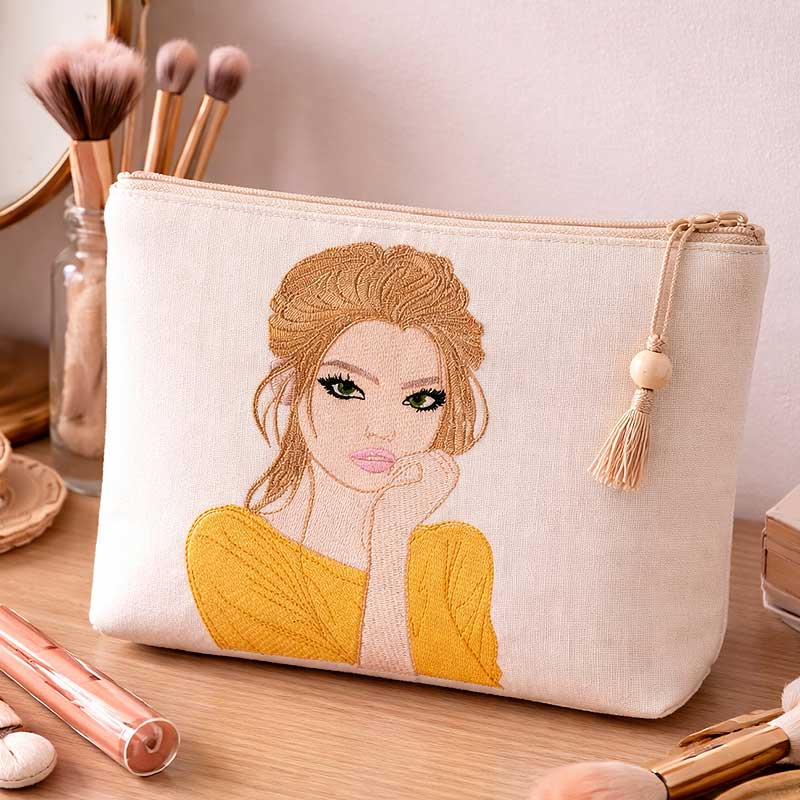
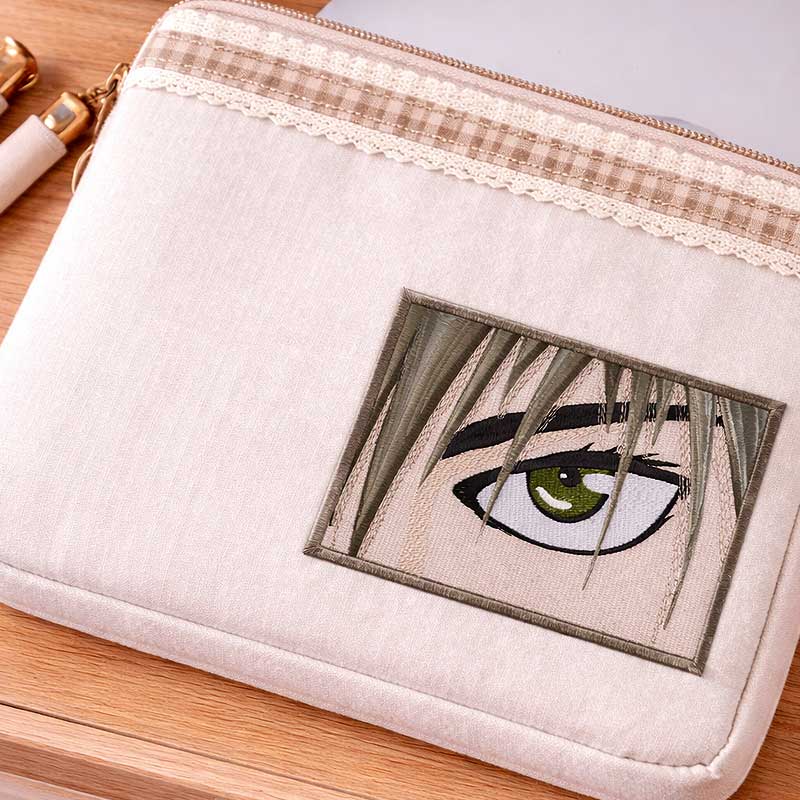




Instant Access
Start creating designs in the next 5 minutes
Free Training Included
Step-by-step video tutorials and Digitizing 101 course
Full Feature Access
Explore every tool before upgrading
STEP 1 OF 2
50% Complete
Get Free Demo Access
Takes less than a minute. No credit card required.
Create your account and instantly access the software and training.
We respect your inbox. No spam. Unsubscribe anytime.
With the Demo, You Can:
Create real embroidery designs from scratch
(inside the software)
Use cutting-edge digitizing tools & professional fonts
Edit, resize, and experiment freely
Learn digitizing fundamentals with guided videos
What’s locked in the demo:
Saving designs
Exporting stitch files
💡 Unlock Everything
Upgrade anytime to unlock full saving & exporting capabilities.
Frequently Asked Questions
Having questions about us? We have just the right answers for you.
No — saving and exporting are disabled in the demo. This lets you fully explore the software before upgrading.
Yes! The demo gives you access to all features. You can create, edit, preview, and experiment with everything — the only limitation is saving/exporting.
Absolutely. The software includes built-in walkthroughs, video tutorials, and intuitive tools designed specifically for beginners.
Yes! Simply purchase a license key and unlock the full version instantly — no reinstallation needed.
No. The demo never expires. You can use it as long as you want to explore and learn.
