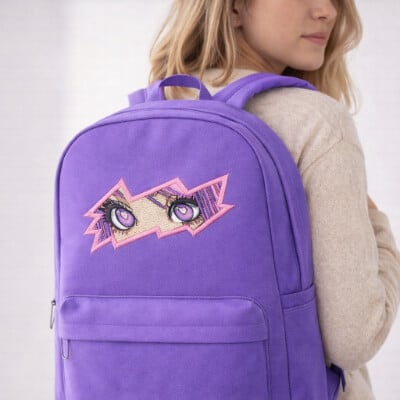
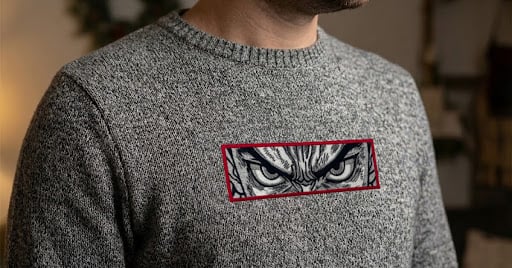
Anime embroidery designs are popular because of their bold outlines, expressive features, and playful style. These details can translate beautifully into machine embroidery. But only when you digitize the artwork correctly. And don’t worry—once you understand a few stitch rules, this gets fun fast.
In this beginner-friendly guide, you’ll learn a step-by-step approach to digitizing anime embroidery designs. The focus is on core concepts and stitch principles, so you’re not just clicking buttons and hoping for the best. The techniques covered here can apply to any embroidery software. Throughout the tutorial, I’ll reference examples using Embroidery Legacy Software, but the principles themselves are universal.
Prefer to learn visually? Watch the full tutorial below, then continue reading for the written steps and extra beginner tips.
What Are Anime Embroidery Designs?
Anime embroidery designs are embroidery designs inspired by anime-style artwork. They typically feature bold outlines, simplified shapes, expressive eyes, and flat or lightly shaded color areas. Because the style relies on clean lines and high contrast, careful digitizing is required to avoid:
- Gaps
- Distortion
- Uneven stitching
If it looks perfect on screen, that doesn’t mean it’ll stitch perfectly – thread plays by different rules. Unlike logos or realistic embroidery, anime designs depend heavily on outline quality and stitch flow. Small changes in:
- Stitch width
- Density
- Pathing
Okay, let’s dive in! Here’s a simple workflow that saves time when digitiziCan noticeably affect the final result—especially around eyes and other high-contrast details.ng a custom embroidery logo:
Why Anime Artwork Is Hard to Digitize
Anime-style artwork may look simple on screen, but it presents several challenges when converted into stitches:
- Thin and curved outlines that can break down quickly if digitized too narrowly
- Large satin or fill areas that can ripple or distort without proper support
- High-contrast facial features, especially eyes, where even small gaps stand out
- Shading and gradients that must be simplified for thread-based embroidery
These challenges all come back to stitch behavior. The thread has thickness, fabric moves under tension, and stitches naturally push and pull as they form. Understanding these fundamentals makes it much easier to digitize clean anime embroidery designs.
How to Digitize Anime Embroidery Designs (Step-by-Step)
This overview walks you through the beginner-friendly process of digitizing anime embroidery designs. Everything from artwork setup to stitch testing—so you can achieve clean, professional results.
Step 1: Artwork Setup, Sizing & Visibility
Before placing any stitches, set your artwork to the exact size you plan to embroider. Starting at the correct scale, keep stitch widths, spacing, and details consistent throughout the design.
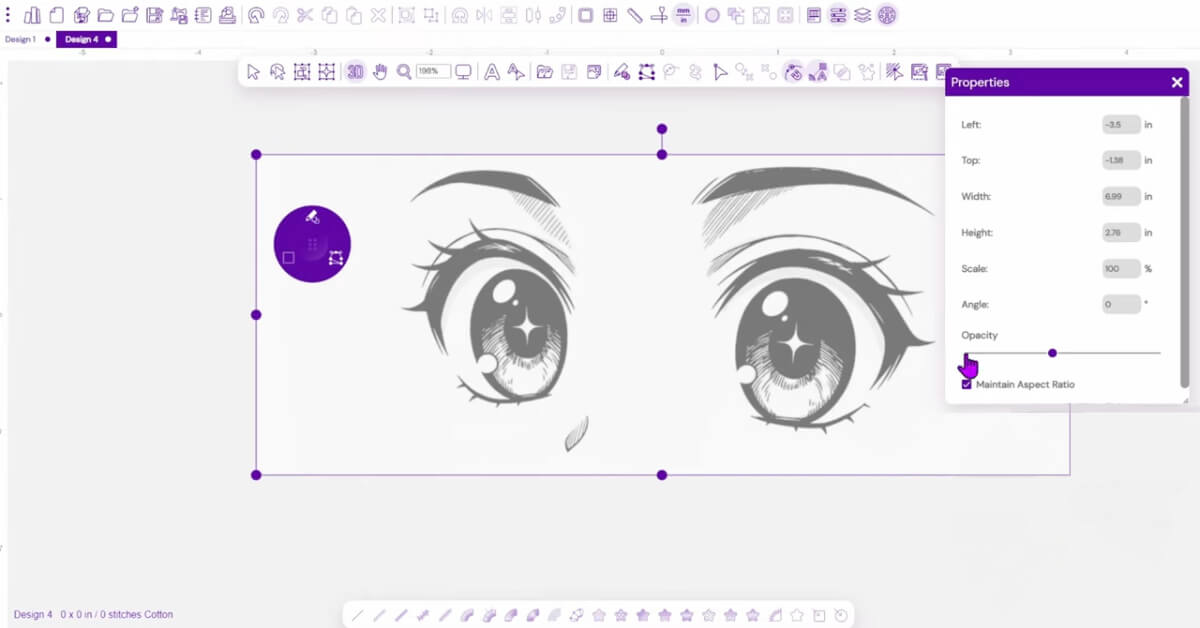
In Embroidery Legacy Software:
- Load the artwork as a backdrop
- Set the final design size based on the hoop and fabric placement
- Reduce opacity to around 50% so stitches are easy to see
Pro Tip: Work at a moderate zoom level (around 300%). This helps you digitize based on how the design will actually stitch, not how it looks when zoomed in too far.
Step 2: Run Stitch Foundations (Clean Paths & Connections)
Run stitches act as hidden connection paths-think of them like a subway system under your design. They help reduce trims, control stitch flow, and support small details that won’t hold up as satin stitches.
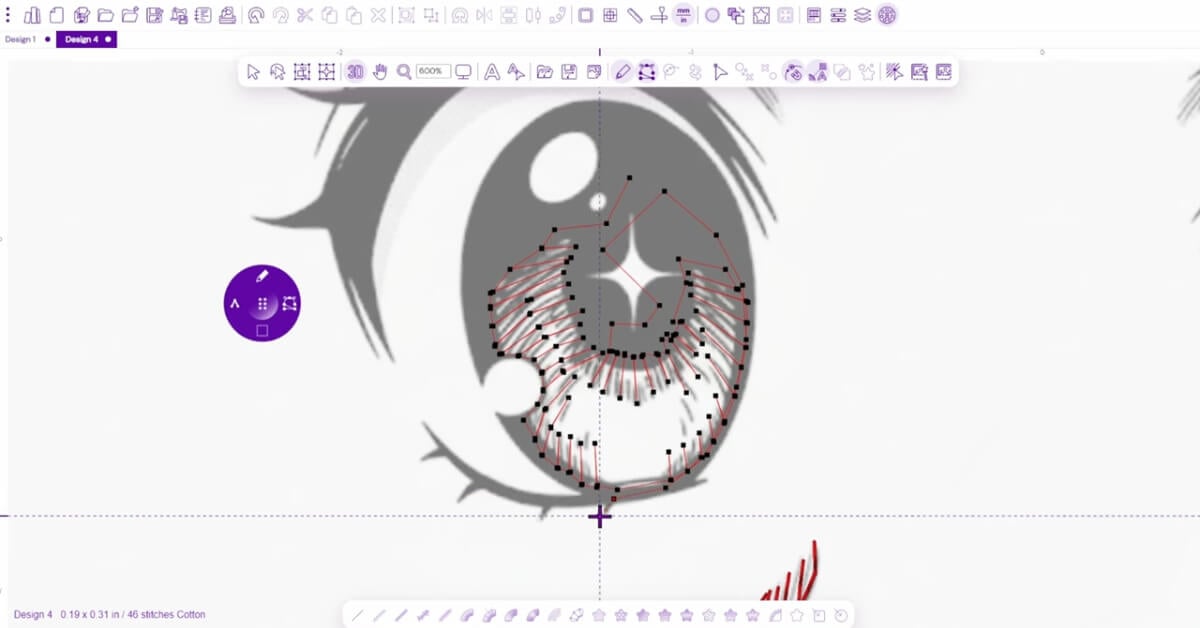
In Embroidery Legacy Software:
- Use run stitches to travel between nearby elements
- Double-run small details for better durability and visibility
Step 3: Digitizing Anime Outlines with Satin Stitches
Anime embroidery designs often live or die by the outline. Satin stitches work well here because they create bold, smooth lines that follow curves and details cleanly.
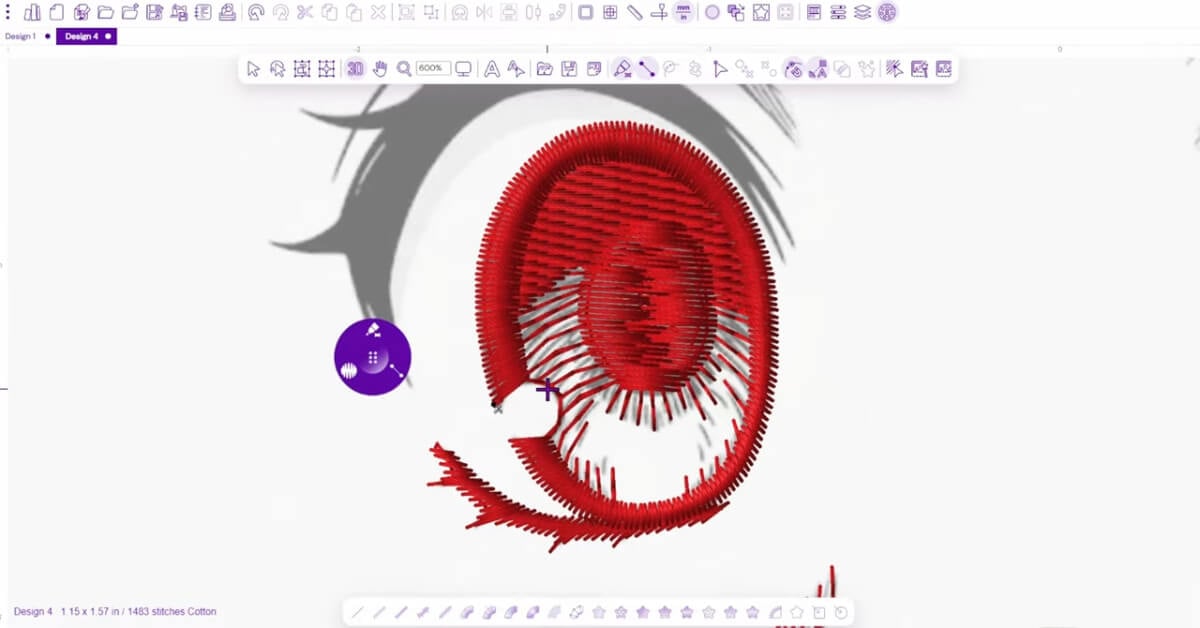
Rule of thumb: Keep satin stitch widths between 1 mm and 7 mm for wearable items.
- Too narrow: stitches can sink into the fabric
- Too wide: stitches may snag or distort
When digitizing curves, smooth stitch flow matters more than tracing the artwork perfectly. Slightly simplifying the design usually produces better embroidery results.
Step 4: Add Fill Stitches for Eye Bases & Solid Areas
Fill stitches are used for areas too large for satin stitches, such as:
- Eye bases
- Hair sections
- Flat color blocks
When digitizing fills, focus on three things:
- Density
- Stitch direction
- Overlap
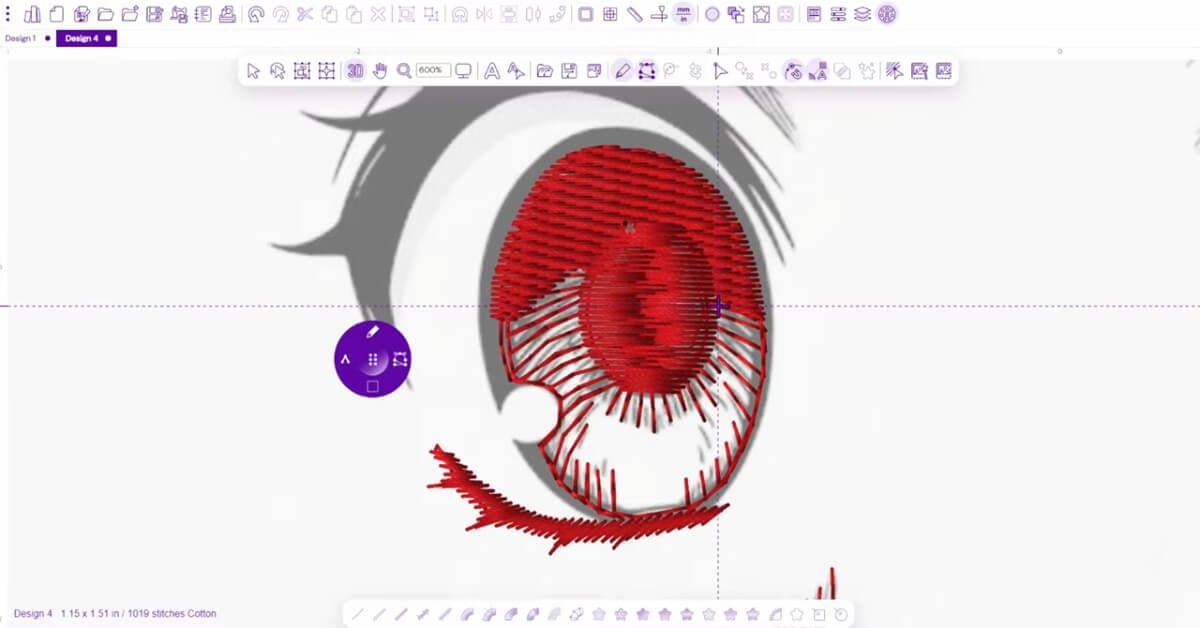
Use a lighter fill under the outline. Then, overlap the fill slightly under the satin edge. This helps prevent gaps.
In Embroidery Legacy Software:
- Create fill shapes under satin outlines
- Set a consistent stitch direction for an even look
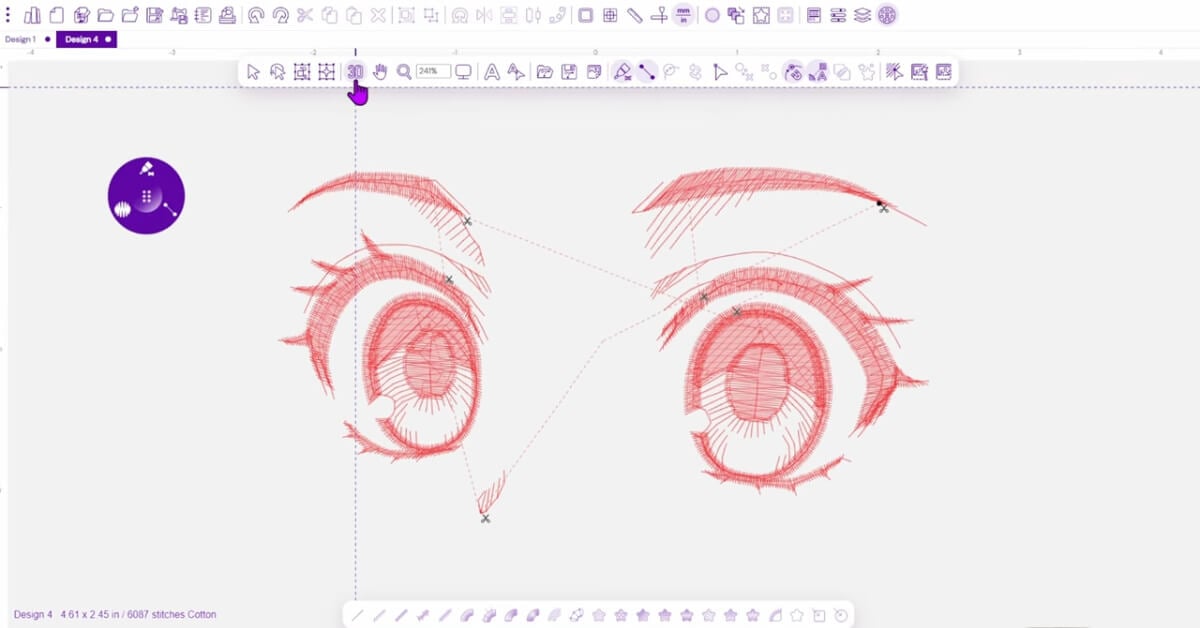
Step 5: Reduce Trims with Smart Pathing
Fewer trims mean cleaner embroidery and smoother machine operation. I don’t like trimming unless I have to—every trim slows down the machine and is a chance for thread issues. Logical pathing helps stitches flow from one area to the next without unnecessary jumps.
In Embroidery Legacy Software:
- Adjust start and stop points to connect nearby shapes
- Use short run stitches when a direct join isn’t possible
Step 6: Underlay and Fabric Considerations
Underlay settings depend on fabric type and design density. In anime embroidery designs, good underlay helps outlines stay crisp and fills sit smoothly.
General guidelines:
- Satin outlines benefit from light, supportive underlay
- Fills usually need a stronger underlay for stability
Pro Tip: If your outlines look distorted or your fills look uneven, check your underlay and fabric settings first.
Step 7: Final Check & Stitch-Out Test
Always run a test stitch-out before treating a design as finished. Stitching on real fabric reveals issues that aren’t obvious on screen.
Check for:
- Smooth, consistent outlines
- Even stitch coverage with no gaps
- Logical trim placement
- Signs of push or pull distortion
Testing isn’t optional-it’s how you go from ‘pretty good’ to ‘professional’. Making small adjustments at this stage can save a lot of time later.
Common Mistakes When Digitizing Anime Designs
Common beginner issues include:
- Jagged or uneven outlines
- Gaps between fills and outlines
- Too many trims
- The thread breaks from overly thin stitches
- Over-digitizing tiny details
Our Free Digitizing 101 Course shows you how to avoid these problems, step by step.
Anime Embroidery Design Ideas You Can Digitize Yourself
When you start digitizing anime embroidery designs, you’ll quickly realize there isn’t just one “anime style.” Some designs are cute and simple, while others are more detailed and realistic. Pick a design that matches your skill level, then level up from there.
Popular anime-inspired styles for embroidery include:
- Chibi: Oversized heads and simple shapes—great for beginners
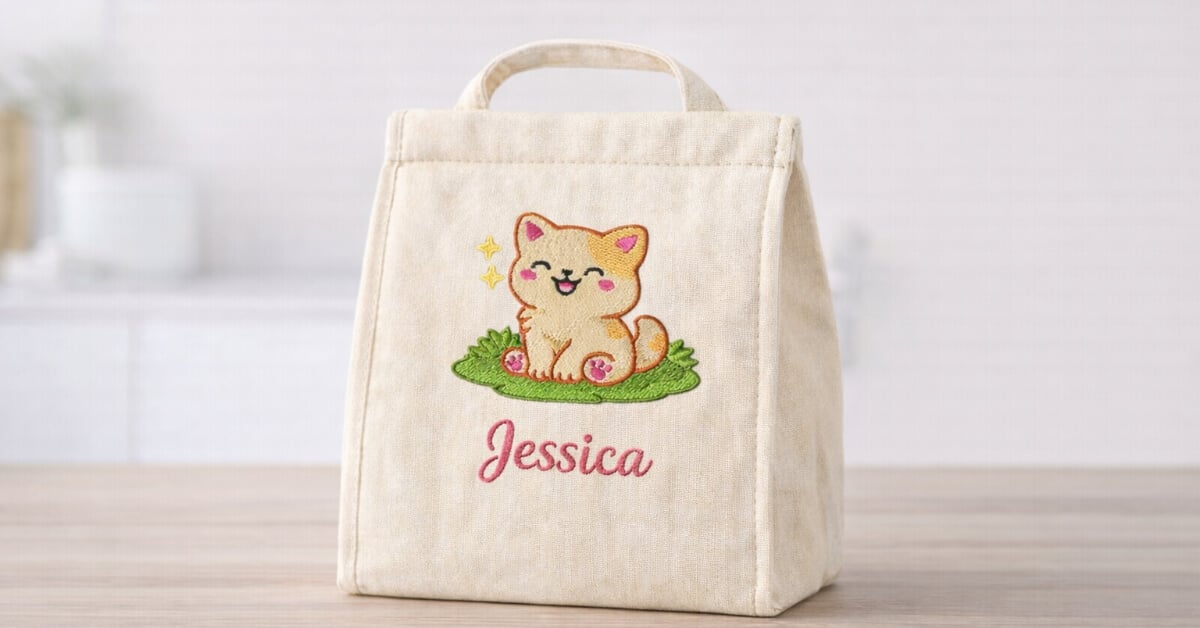
- Kawaii: Rounded forms and minimal detail for practicing clean outlines
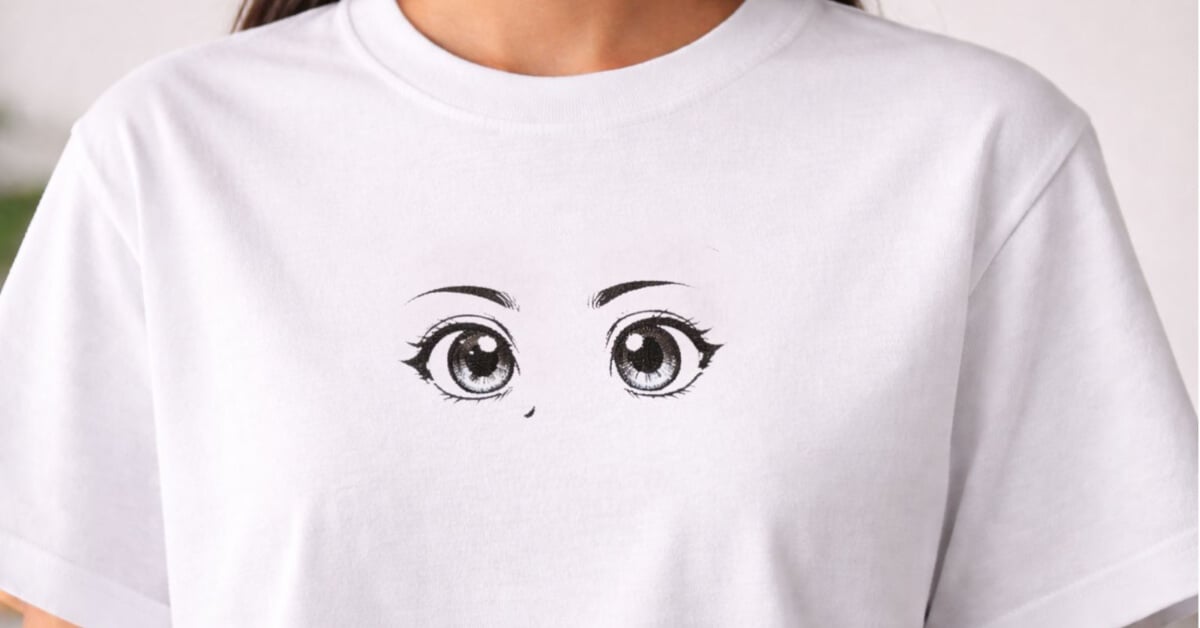
- Shonen: Bold, dynamic shapes with thicker outlines
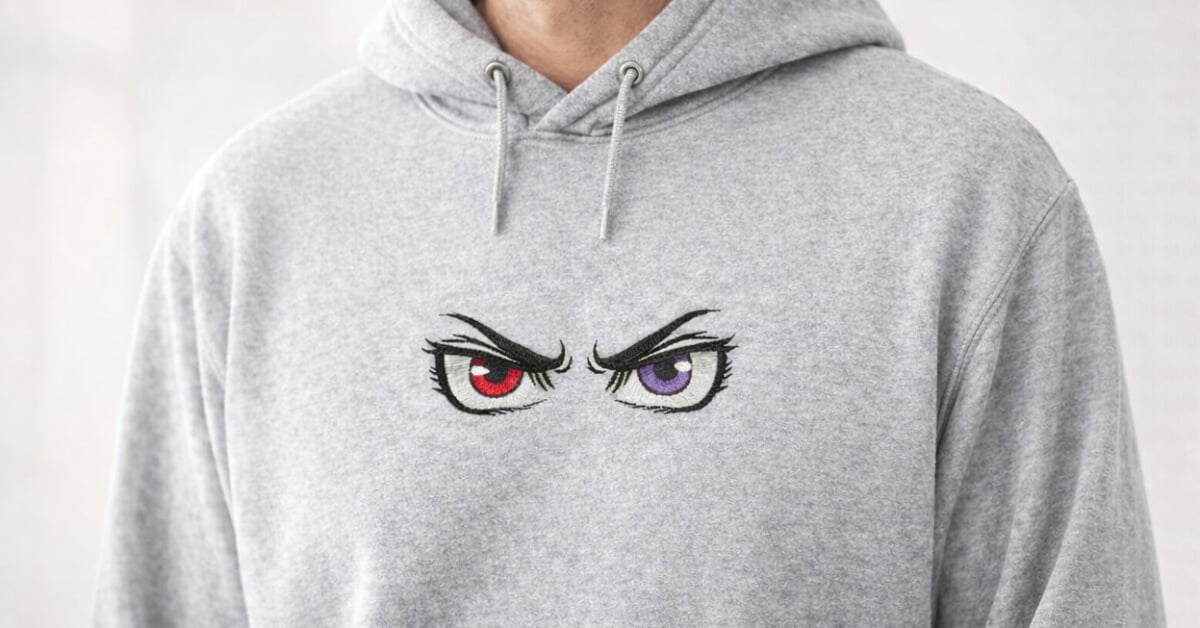
- Shojo: Flowing lines and expressive eyes for curve practice
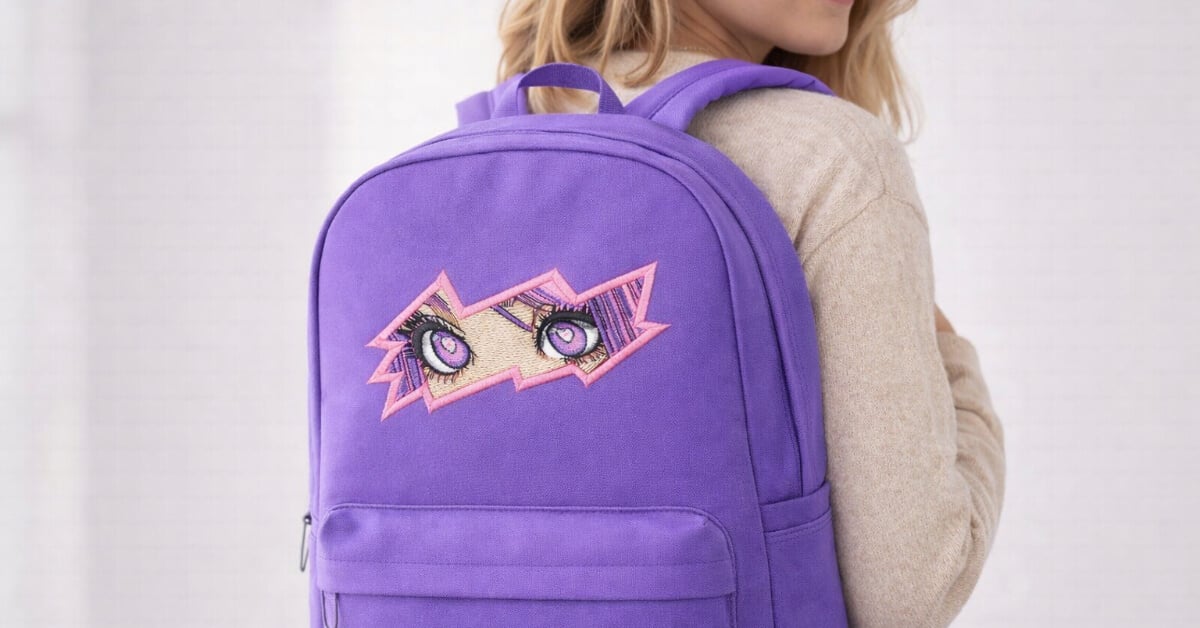
- Seinen: More detailed styles are best suited for more experienced digitizers
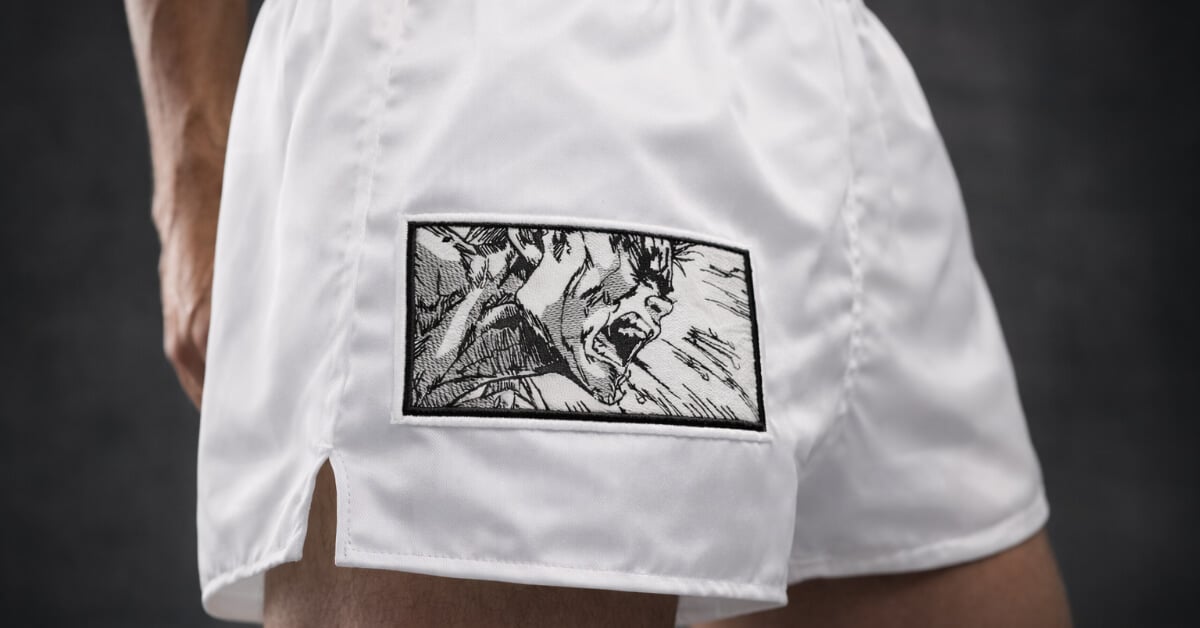
No matter the style, the same core principles apply: clean outlines, smart pathing, and designs that respect the limits of thread and fabric.
Learn How to Digitize Anime Eyes the Right Way
If you enjoyed this tutorial and want structured guidance, our Free Digitizing 101 Course is the perfect next step. It walks beginners through the fundamentals of digitizing, stitch theory, and real-world projects.
When you’re ready to go further, explore Embroidery Legacy Software. It makes it easy to create custom anime embroidery designs with clean outlines and smooth fills.