


What is Embroidery Digitizing?
As the world’s most awarded embroidery digitizer, people constantly ask me, ” What is embroidery digitizing? Although the answer to this can be rather complex, in the simplest of forms:
Although the explanation above is rather simple, I assure you that there is a lot more to it than meets the eye. Embroidery digitizing is like painting with stitches, and just like painting, certain rules apply.
Digitizing is all about understanding how thread interacts with fabric and learning how to use software to get the results you want. Choosing the appropriate stitch type, settings, & direction is where the real learning curve is involved.
Table of Contents
Use the table below to jump to any section.
- What Is Embroidery Digitizing?
- How to Digitize for Embroidery
- What Do I Need to Start Embroidery Digitizing?
- The History of Embroidery Digitizing
- How to Start Learning Embroidery Digitizing
- Is Embroidery Digitizing Right for You?
- Embroidery Digitizing FAQ
Start with the basics below, or jump to the section you need.
What Can You Digitize for Embroidery?
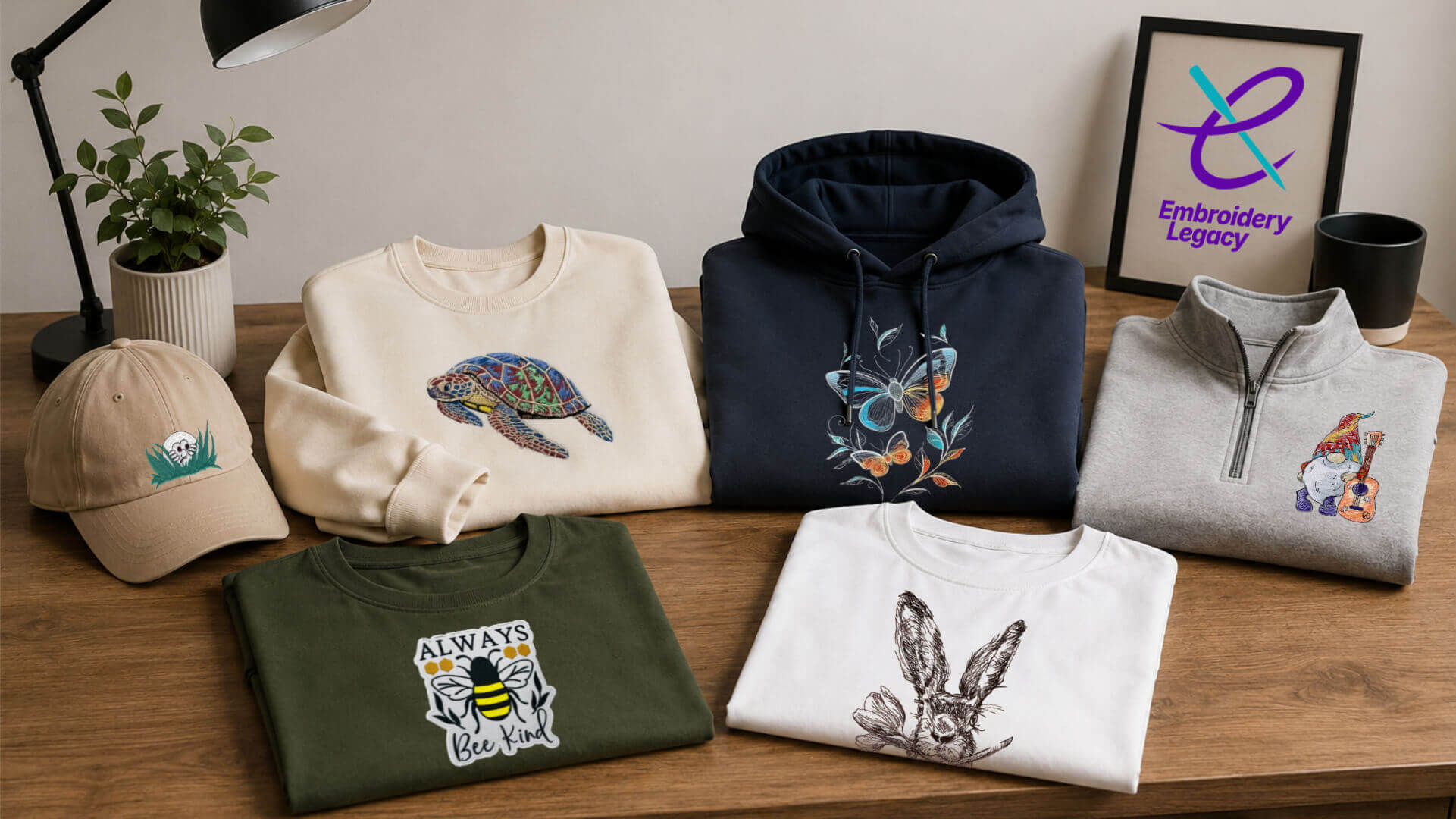
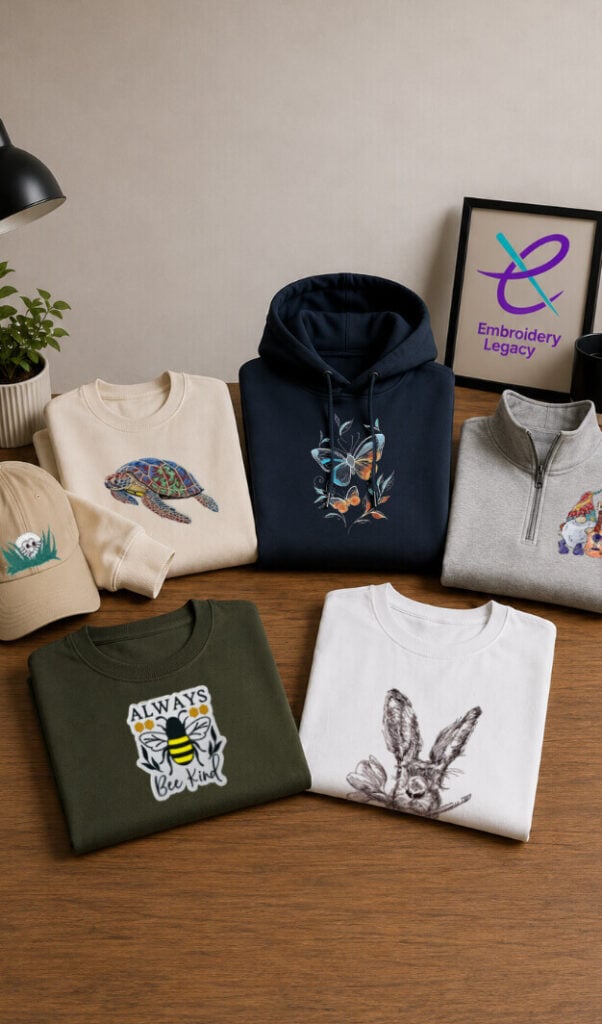
This is where the real fun is involved.
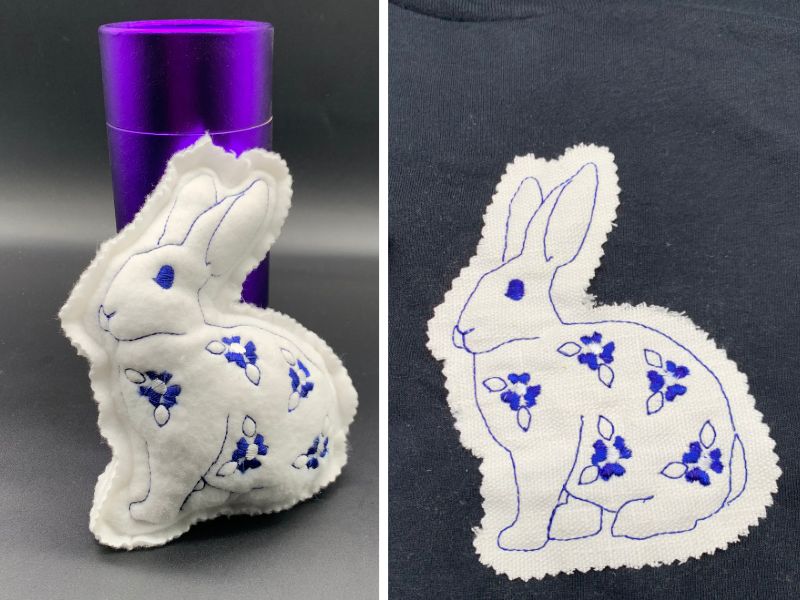
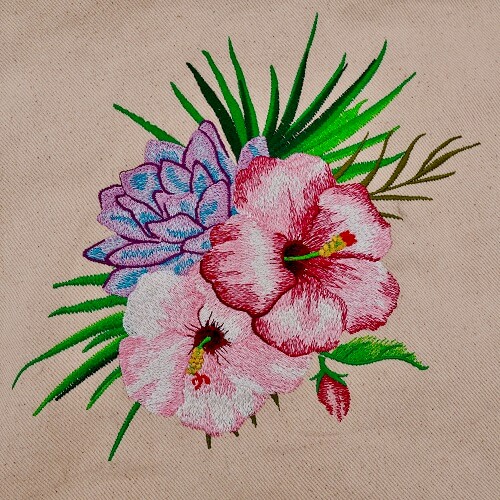
For example, you can digitize things like your kids’ drawings, a company’s logo, or an internet image.
Now keep in mind, there are some limitations in place. Unlike printing something, machine embroidery has more limitations in place because we’re dealing with physical mediums like thread and fabric. That said, you couldn’t digitize the Mona Lisa onto a 2-inch patch and expect the same level of detail.
As a general rule, the smaller the size of the design, the less detail you can put into it. For tiny designs and logos, you must often adjust your artwork before digitizing to get good embroidered results.
Do You Need To Be Artistic To Learn Embroidery Digitizing?
I can barely draw a stick figure, yet I’ve won 30 awards for digitizing in the commercial sector and have worked for thousands of large corporations. Although I’m not an artist, I would certainly consider myself ‘creative’.
You can be a very creative person and still not be an artist. Every machine embroidery hobbyist I’ve met I would consider to be creative. This means that you’re just as qualified to become a digitizer as anyone else!
How Long Does It Take To Learn Embroidery Digitizing?
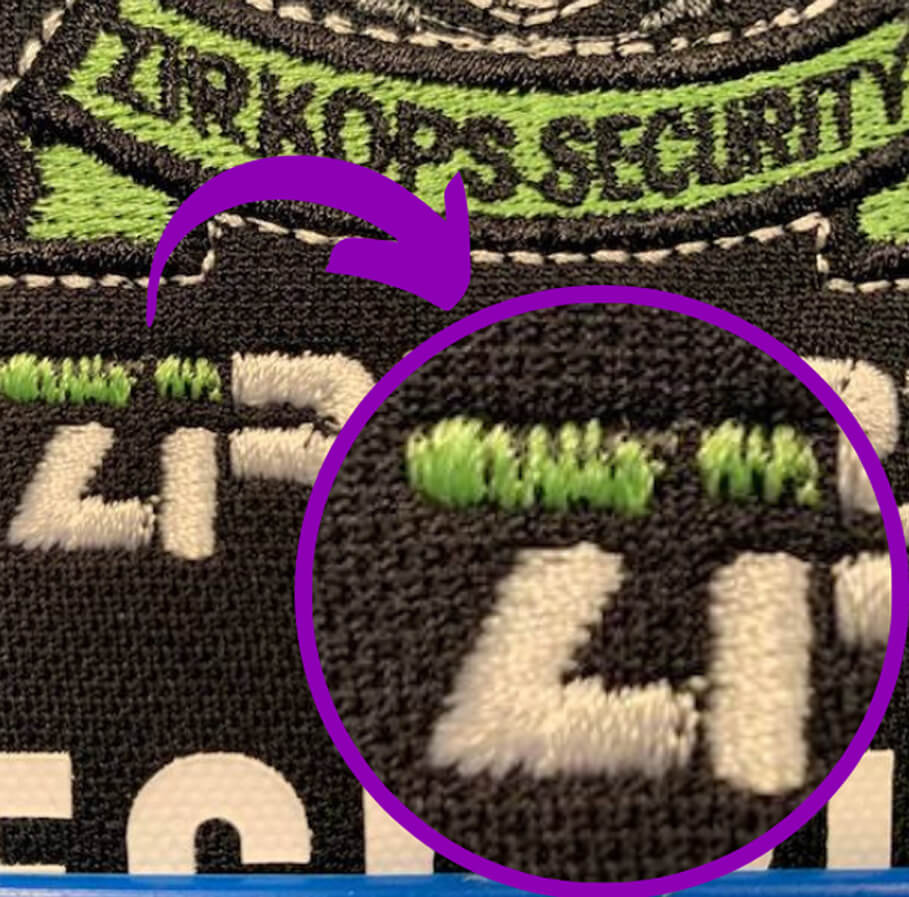
Like any hobby, having proper instruction & experiencing positive results will reflect the amount of interest you have in learning. Things like underlay stitches, understanding the three basic embroidery stitch types (running stitch, fill, and satin stitches), push & pull compensation, and density are all key aspects that must be considered when learning how to transform artwork into an embroidery design.
I understand that some of these words (or all of them) might be new to you and seem foreign. The main thing to remember is that, like painting, digitizing is an art form that simply requires patience and, of course, a guiding hand from the right instructor.
How to Digitize for Embroidery
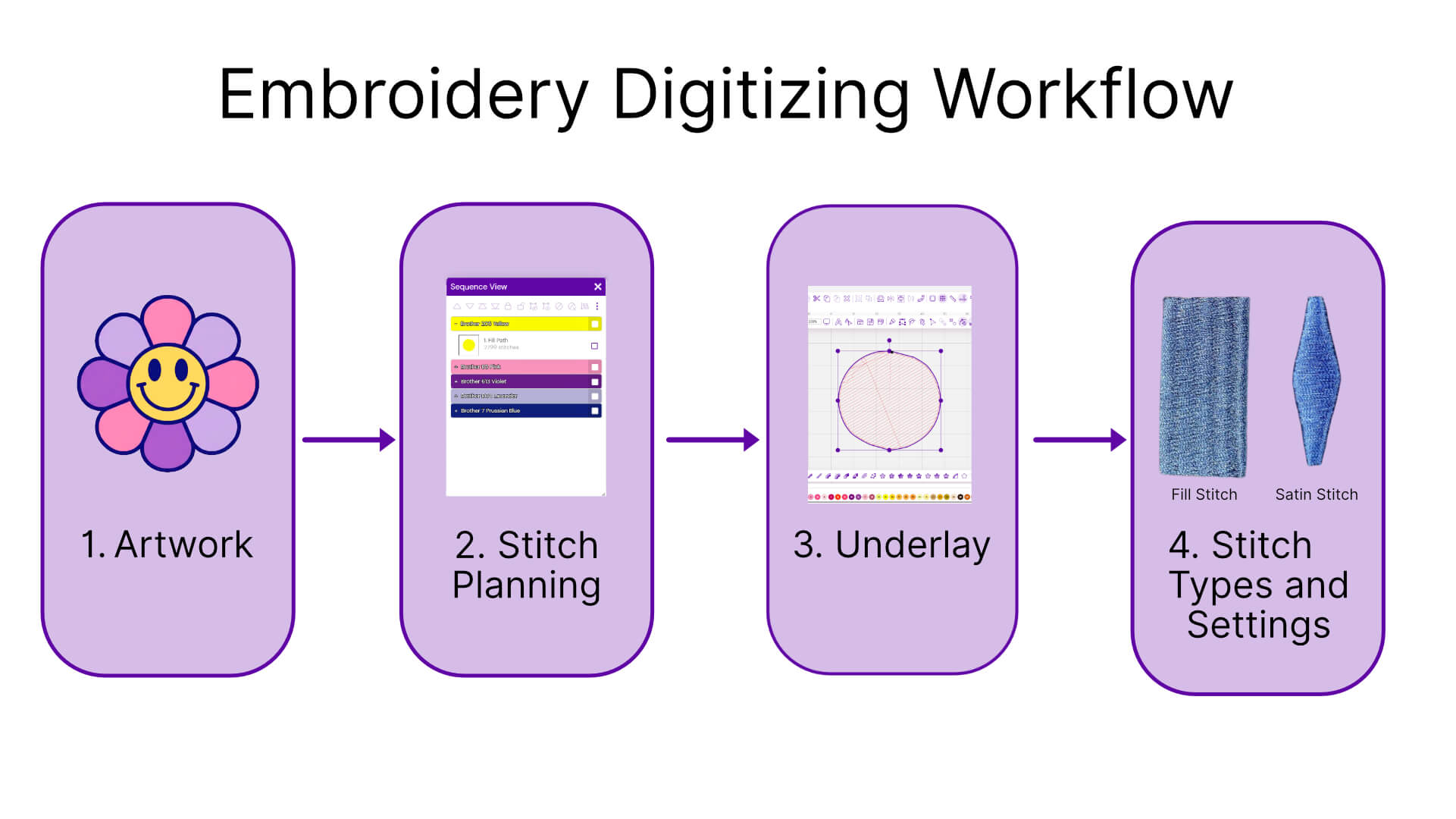
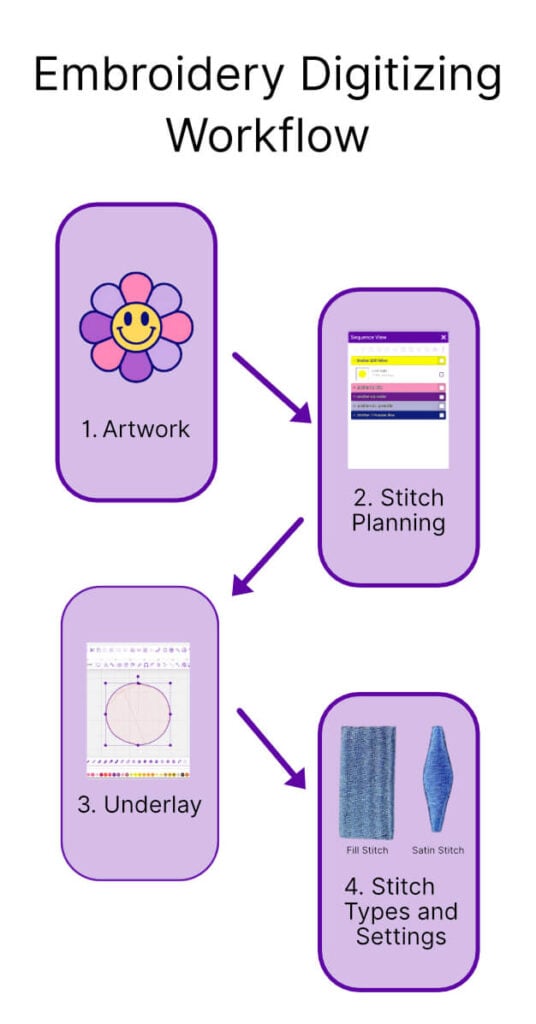
Once you get the hang of it, embroidery digitizing follows a clear, repeatable workflow. The steps may change a little based on the type of embroidery design and fabric, but the main process stays the same.
Prepare Your Artwork
Every digitizing project starts with evaluating the artwork for embroidery. Often, clean, simple designs are easier to digitize and stitch more reliably.
Plan the Stitch Path (Mapping)
Before any stitches are placed, the design must be planned, or what digitizers call “mapping.” This includes deciding stitch order, direction, and flow so the design stitches efficiently and holds its shape once sewn. Think of it like planning your errands before leaving the house. If you randomly drive from place to place, you waste time and energy. Good stitch planning works the same way by creating a smoother, more efficient path for the embroidery machine.
Add Underlay Stitches
Underlay stitches form the foundation of a quality embroidery design. They help stabilize the fabric, support top stitches, and improve overall stitch quality, especially on textured or stretchy materials. Think of them like the foundation of a house.
Choose the Right Stitch Types
This is where the real creativity and fun begin! Different parts of a design require different embroidery stitch types. Choosing the appropriate stitch type helps balance appearance, durability, and how stitches behave on fabric.
More of a visual learner? Watch the video below for a quick breakdown of the most common embroidery stitch types and how they’re used in embroidery digitizing:
Adjust the Density and Compensation
Stitch density and compensation settings help control how thread interacts with fabric during embroidery. Different materials stretch, pull, and react differently under stitches, which means digitizers often need to adjust density, spacing, and push and pull compensation to maintain clean outlines and proper shape. Proper compensation helps prevent common embroidery digitizing problems such as gaps, distortion, and puckering in the final embroidery design.
What Do I Need to Start Embroidery Digitizing?
Embroidery Digitizing Software
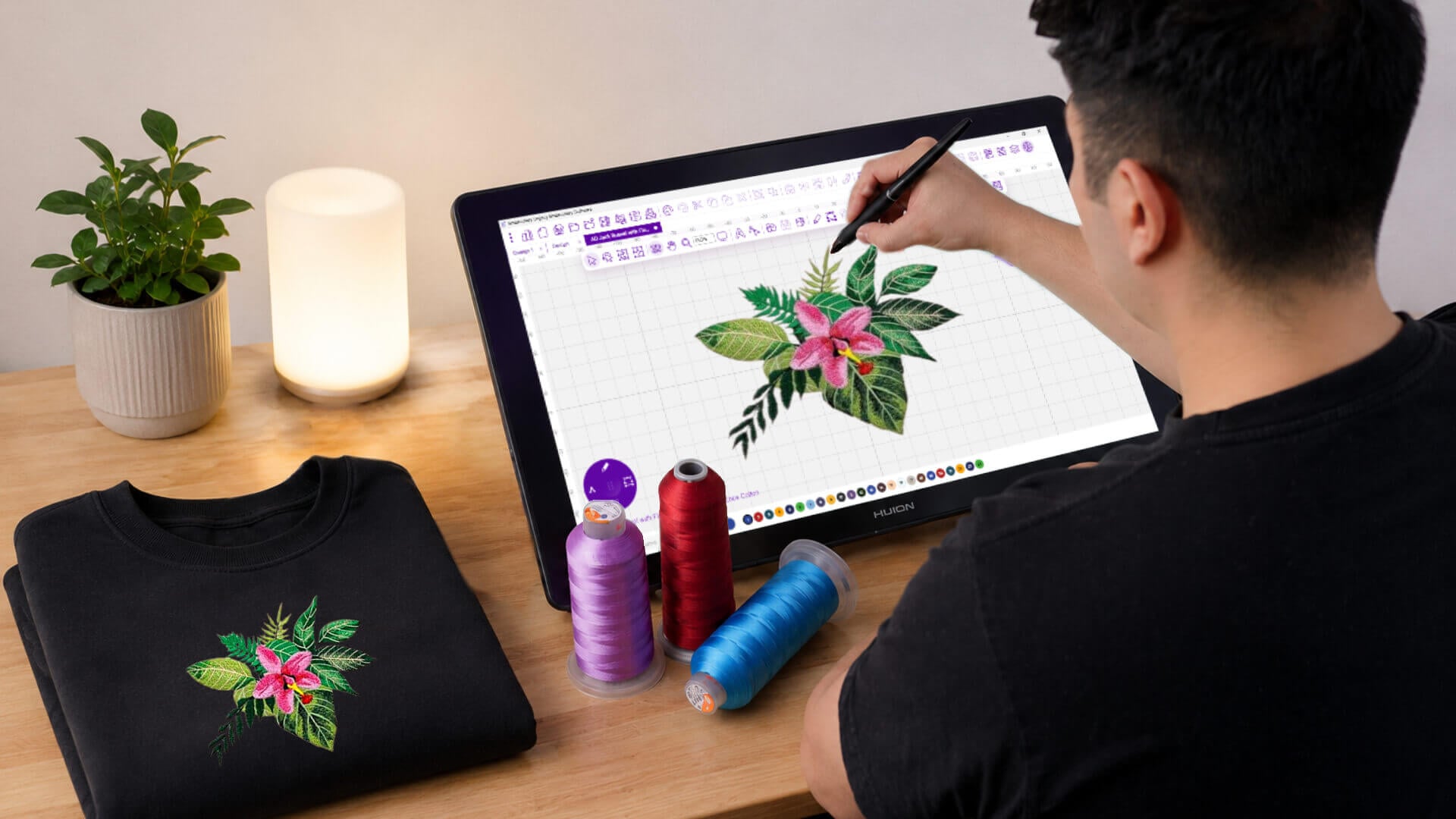
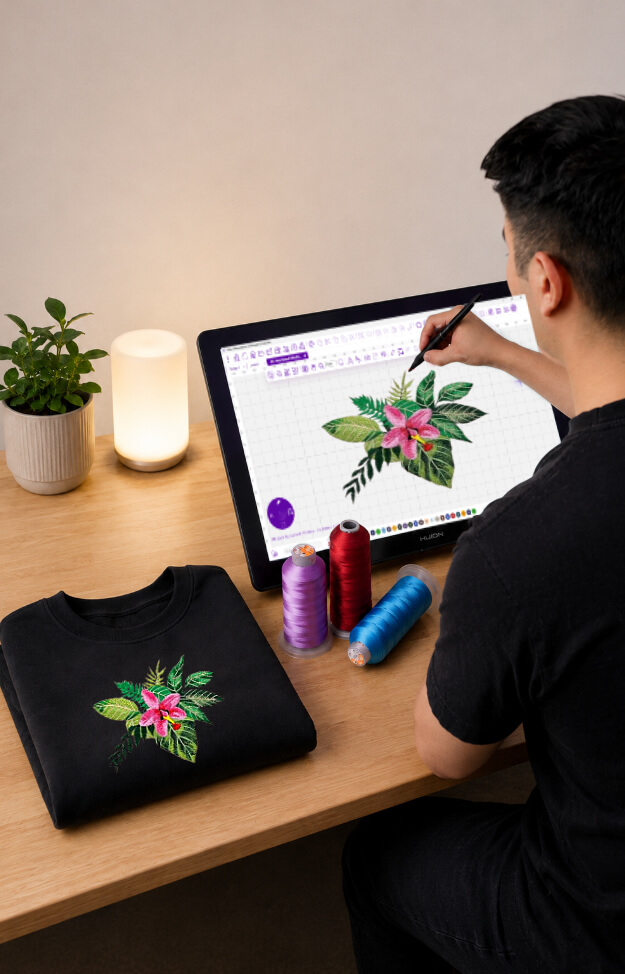
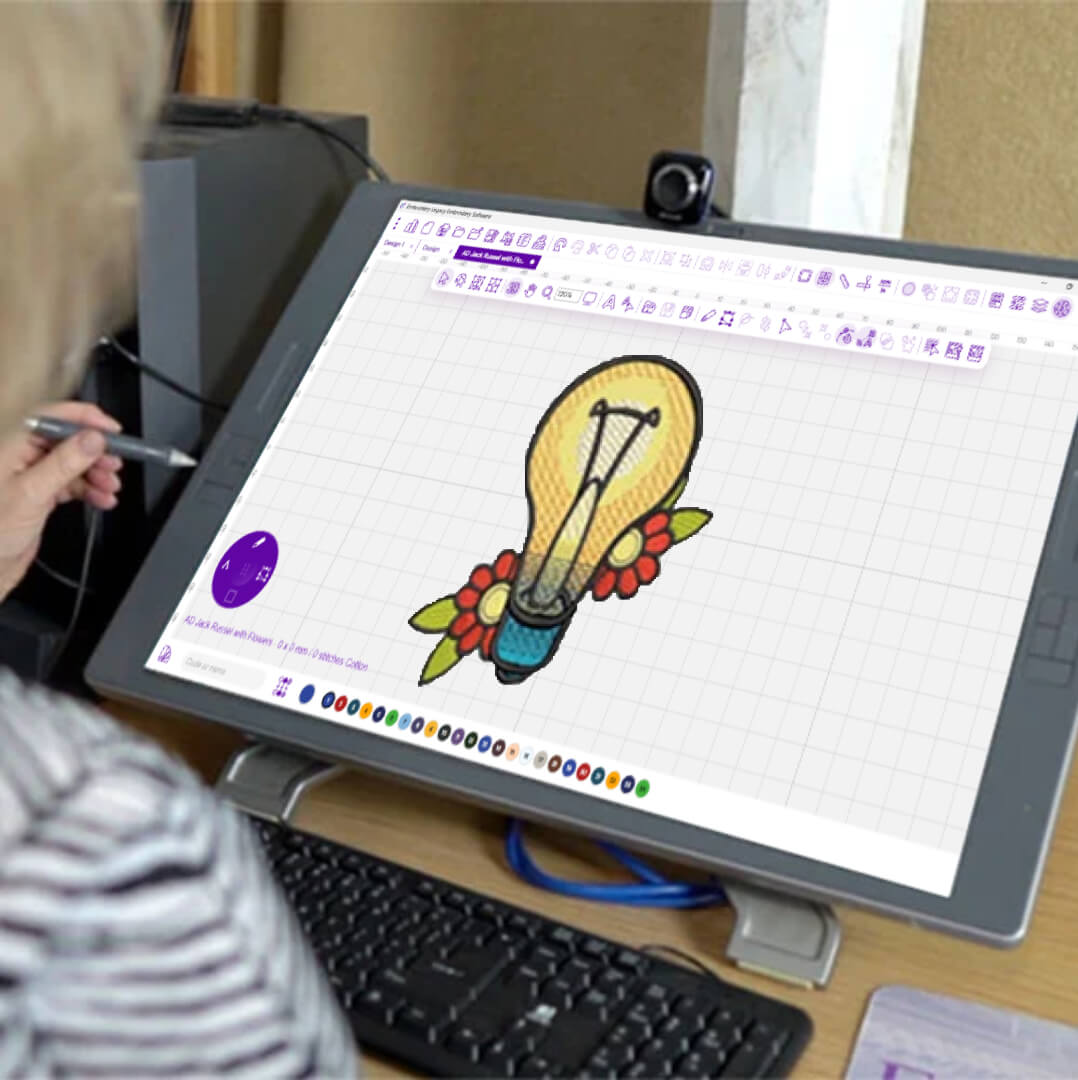
There are a few things you’ll need to start your digitizing journey, but first and most importantly, you need embroidery digitizing software. Choosing the right embroidery digitizing software is one of the most important parts of learning how to digitize embroidery successfully. The best embroidery digitizing software should simplify the learning process while still giving you the control needed to create clean, professional embroidery files.
We highly recommend Embroidery Legacy as a beginner-friendly embroidery digitizing software because it was specifically designed to make digitizing easier, less cluttered, and more intuitive without sacrificing the powerful tools serious digitizers need.
The result is a smoother, more intuitive experience that helps you focus less on complicated settings and more on what matters most: your creativity.
Embroidery Equipment
Aside from that, a computer and access to an embroidery machine are essential. Without stitching out your digitized designs, you will not see where your errors are. As I always say, what you see on your screen isn’t always the same as your stitched outcome. Trial and error will be your new motto!
Proper Education & Support
Finally, you’ll need proper training and a supportive community for when questions come up. Digitizing has a learning curve, but the right guidance can dramatically speed up the process. Education is something we’ve specialized in for decades through workshops, online training, and hands-on lessons for embroiderers around the world. Whether it’s YouTube tutorials, online courses, embroidery groups, or communities like our Digitizing Made Easy Facebook Group, learning from others and getting feedback on your designs will help you improve much faster.
The History of Embroidery Digitizing
Although embroidery software and embroidery file formats are new and constantly evolving, the age-old rules of how thread interacts with fabric are not. In fact, they’re thousands of years old!
Now keep in mind that machine embroidery (compared to hand embroidery) is still somewhat new, starting in the nineteenth century. But still, contrary to popular belief, embroidery digitizing didn’t start with computers.
No, machine embroidery used to be done on Schiffli looms that were 10-15 yards long and produced hundreds of pieces at a time. These machines were operated by Schiffli master digitizers who manually commanded and traced each stitch in live time (each master apprenticed for 10 years to learn their trade)!
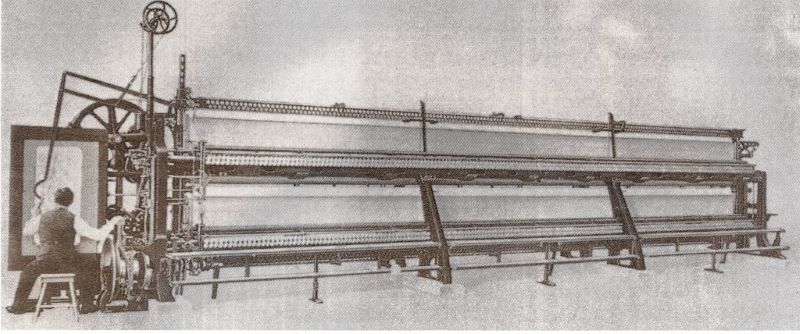
I’m proud to say that as far as I know, I am the last Schiffli master digitizer still alive and teaching in North America (I know most of you know my story, so I’ll stop it there)…
The point I’m trying to make is that although these days the right software makes things A LOT easier by putting most of the digitizing process on “autopilot” for you, embroidery is an art form dealing with the physical mediums of thread and fabric which are governed by rules.
Because of this, there is some basic embroidery theory that every embroiderer should learn to really understand how machine embroidery designs are created and how to get the best results, even if you don’t want to learn how to digitize fully!
How to Start Learning Embroidery Digitizing
Because of this, I would highly suggest you check out our Free Embroidery Digitizing 101: Video Course & Cheat Sheet. Whether you’re new or a more experienced digitizer, this course covers some essential theories that every embroiderer should understand
Should You Learn Embroidery Digitizing or Hire a Digitizing Service?
Not everyone wants to create embroidery files themselves, and that’s completely okay. Many embroiderers, apparel decorators, and small business owners choose to work with professional embroidery digitizing services to save time and ensure quality results.
That said, even if you outsource your embroidery files, understanding the basics of embroidery digitizing can still help you tremendously. Learning concepts like underlay, stitch direction, density, and push-and-pull compensation makes it much easier to recognize quality embroidery files and avoid costly digitizing mistakes.
If you’re considering outsourcing your designs, check out our complete guide to embroidery digitizing services to learn what separates a professional embroidery file from a poor-quality one, what red flags to watch for, and how to choose the best embroidery digitizing service for your projects.
Is Embroidery Digitizing Right for You?

The thing about embroidery digitizing is that it’s like olives… some people really like it, some people really don’t. Either way is fine! I realize that digitizing is not for everyone; it’s either you love it or hate it.
So is machine embroidery digitizing for you? Well, there’s only one way to find out…
Before you invest any money in digitizing software, check out our Free Embroidery Digitizing 101: Video Course & Cheat Sheet. Whether you want to digitize or not, the theory you’ll learn will help improve every aspect of your embroidery…
… Plus, it’s 100% free! What do you have to lose? Best of luck in your digitizing journey, and please feel free to reach out if you have any questions!
Embroidery Digitizing FAQ
How to digitize a logo for embroidery?
Digitizing a logo for embroidery involves converting artwork into a stitch-based embroidery file using embroidery digitizing software. The process includes sizing the logo correctly, choosing the right stitch types, adjusting underlay and compensation settings, and optimizing the stitch path so the design sews cleanly on fabric. Small lettering, fine details, and fabric type all play a major role in how a logo stitches out.
If you want a full step-by-step walkthrough, check out our complete guide on how to digitize a logo for embroidery, where we cover artwork preparation, stitch planning, fabric settings, logo text, trims, and professional digitizing tips used in commercial embroidery.
Is embroidery digitizing hard to learn?
No, it’s not hard, but it does take practice. Embroidery digitizing becomes easier when you learn it step by step. The challenge comes from understanding how stitches behave on fabric, not in using the software itself. With a strong foundation, digitizing becomes a rather simple, logical, and repeatable process.
Can beginners learn embroidery digitizing at home?
Yes. Beginners can learn embroidery digitizing by starting with the fundamentals. Learning stitch behavior, fabric interaction, and basic digitizing theory early makes the process far more approachable and reduces frustration.
Do you need special software for embroidery digitizing?
Yes. Embroidery digitizing requires dedicated embroidery digitizing software that can create stitch-based files for embroidery machines. We recommend Embroidery Legacy Digitizing Software for its ease of use.
Is auto-digitizing good for professional embroidery?
Auto-digitizing software can produce quick results, but it’s not fully reliable on its own. Because it can’t account for fabric behavior and stitch interaction, auto-digitizing often requires manual adjustments to achieve clean, professional embroidery.



Hi John,
Will this software run on a MacBook please?
Hi Sylvia, which software are you referring to?
do you have any languege options ? for example turkish ?
Unfortunately not, but we will look into it in the future
je dois broder sur dur cuir d Italie pour un banc de moto , j en ai encore jamais broder , que me conseillé vous ? et comment dois-je faire pour numériser sans que j ai de surprise ?
et la marche à suivre pour une numérisation professionnel ?
Here is a great article on embroidering leather https://embroiderylegacy.com/how-to-embroider-on-leather-vinyl/
Hello John
I’ve been digitizing and stitching out designs for Hallmark for over 10 years now.
It may sound strange but HMK employs plush and fiber artist to develop and create many kinds of artwork other than just card designs.
I have worked for HMK for 26 years and have just now been laid off. Downsizing is everywhere unfortunately.
My question is, how might I take the skills I have in digitizing and turn them into a second career? Are there places where I can do this on a contracted basis or as a full-time employee?
I would love to chat with you and show you some of the work I have done and perhaps you could help me out.
Thanks for any assistance you could give.
BTW, I use Compucon EOS and run a 15 needle Barudan Elite Pro Embroidery machine.
Hi Keda, please send us your contact information at contact@embroiderylegacy.com