

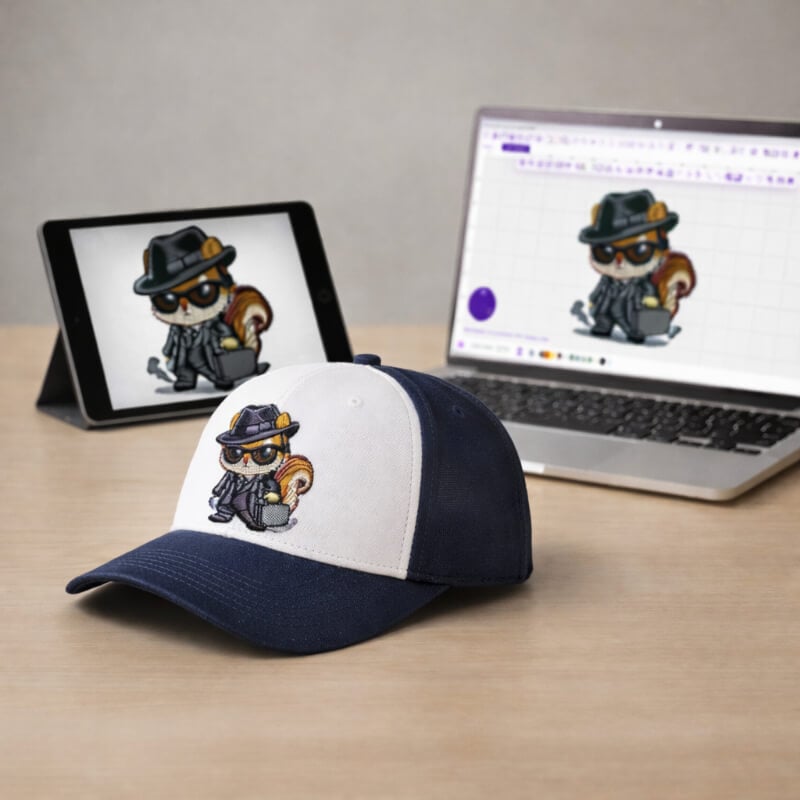
If you’ve just started learning how to digitize, you’re probably starting with the lesson artwork while you learn the tools. Then the real moment hits: you want to digitize your own artwork (or a customer’s logo).
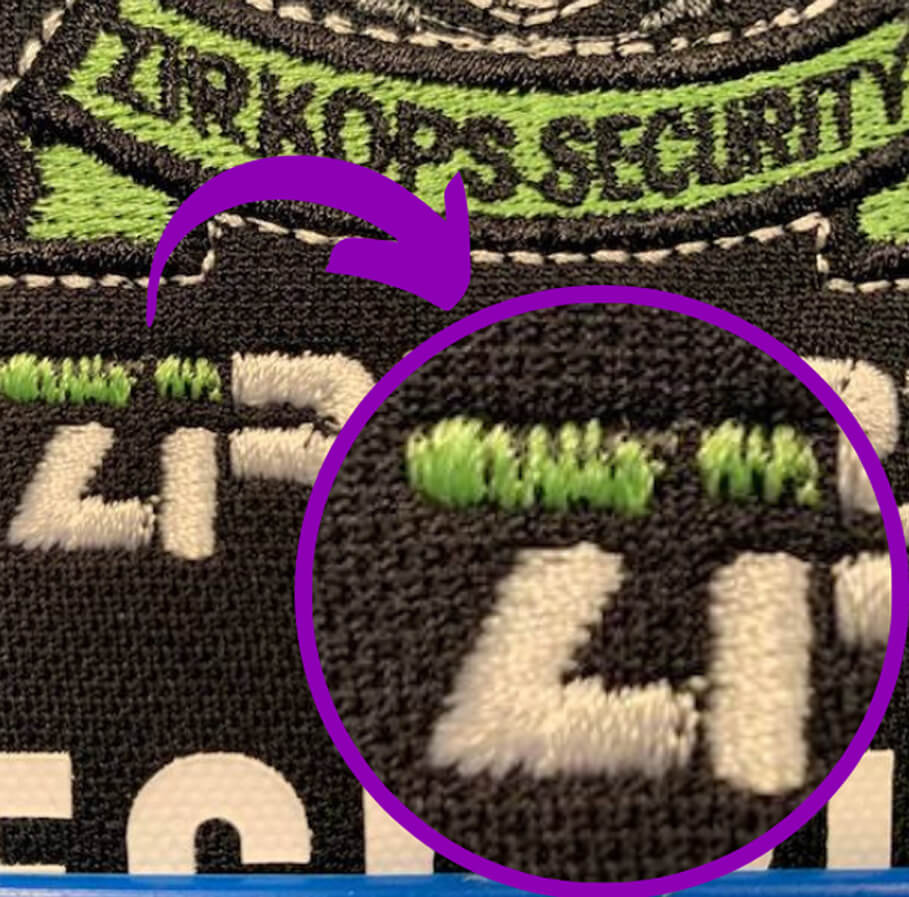
Here’s the truth: Artwork that looks perfect on screen can stitch poorly because embroidery uses thread, not ink. Unlike screen printing, the thread has thickness and limitations, so detailed artwork often needs to be simplified or given more space to stitch cleanly.
In this guide, I’ll give you a fast, repeatable way to judge artwork before you digitize, so you get cleaner stitch-outs with less frustration.
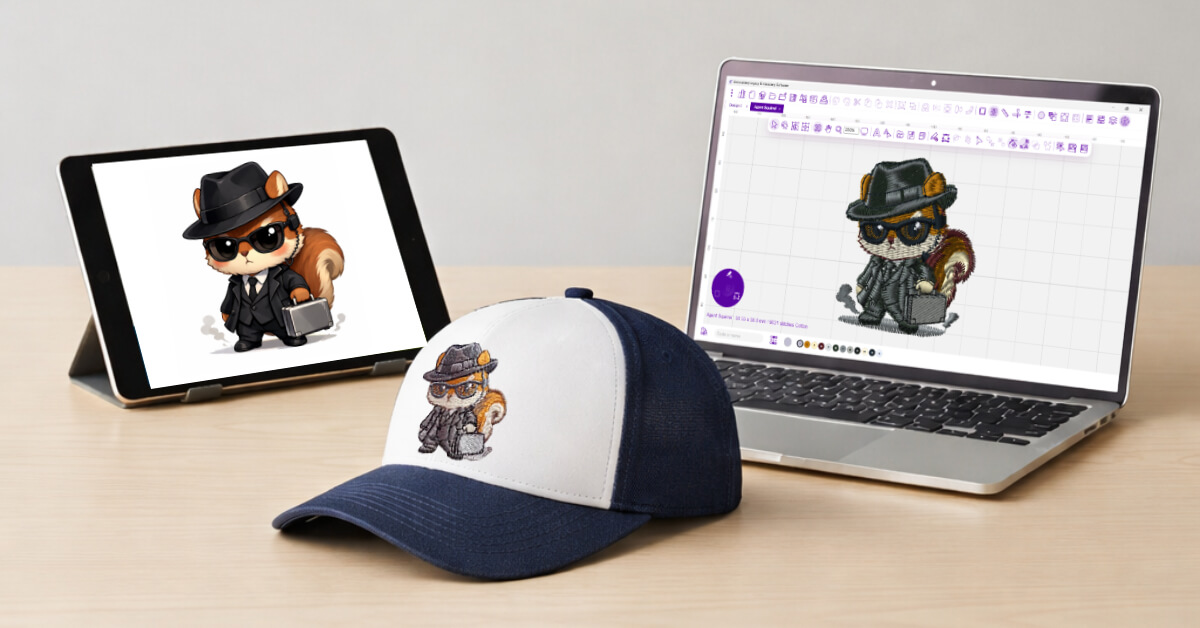
What Artwork Works Best for Embroidery Digitizing?
The best artwork is simple, high-contrast, and built from clean shapes with clear borders. Embroidery uses thread, not ink, so you often need to simplify small details so they stitch properly.
Most artwork is print-ready, not stitch-ready. Think of it like trying to paint the Mona Lisa on a matchbook: when the space shrinks, the detail has to change.
The Digitizer’s Biggest Question: Is the Artwork Machine-Friendly?
Corporate logos can be some of the trickiest designs to digitize. You can’t “redesign” them without risking brand consistency – especially with bigger companies that protect every detail.
I’ve seen that firsthand while working with larger brands like John Deere and Harley-Davidson. Oftentimes, for corporate customers, they’ll review stitching, spacing, and tiny details differently depending on whether it’s going on a cap, a left chest, or a jacket back.
I actually remember Harley-Davidson pulling out a ruler on the finished items to make sure their logo was spaced perfectly when stitched. But with so much power behind their brand, I understood why.
At the same time, the design still has to run cleanly and efficiently on an embroidery machine. When artwork isn’t embroidery-friendly, you’ll see it in the stitch file: awkward mapping, extra tie-ins, and too many trims. Trims don’t just affect the look; they also slow production, which can affect profitability.
So the question I’m always asking is simple: is this artwork machine-friendly? If it isn’t, the fix usually starts long before you touch a stitch setting in your software; it starts with the artwork.
Stitch Friendly Artwork Checklist
Before you spend time digitizing (or quoting a commission), run the artwork through this quick checklist. If you can’t confidently say “yes” to most of these, expect to clean up the art first.
| Checklist Item | What you’re looking for | If it fails, what to do |
|---|---|---|
| Clean outlines/borders | Clear edges you can follow with stitches | Add/clean an outline, simplify jagged edges |
| Limited tiny details | Details are visible at the final size | Remove micro-details or increase design size |
| Strong contrast | The subject stands out from the background | Increase contrast, remove busy background |
| Simple shapes | Shapes read cleanly without shading | Convert shading into shapes or simplify areas |
| Text legibility at final size | Letters stay open and readable | Increase size, use a simple font, thicken strokes |
| Consistent stroke thickness | Lines aren’t hair-thin in some spots | Thicken lines, reduce overly thin strokes |
| Minimal overlapping micro-elements | Elements don’t stack in tight areas | Merge shapes, reduce layers, create spacing |
| Work at intended dimensions | They still look good at the final stitch size | Resize art first, then adjust details to match |
Verdict: Based on Your Checklist Results
✅ Digitize as-is
- The artwork is clean, bold, readable, and already fits the final size.
👀 Digitize with refinement
- The artwork is workable, but needs cleanup
🔧 Recommend redesign/ different style
- The artwork is workable, but needs cleanup
One Rule That Fixes Most Problems
If you remember only one thing, remember this:
The thread can’t hold tiny details at small sizes, so overly detailed art won’t stitch cleanly.
That means you have two smart options:
- Simplify the artwork (fewer tiny details, thicker lines, clearer shapes), or
- Make the design larger so the details have space to stitch cleanly.

How to Prep Artwork Before You Import It
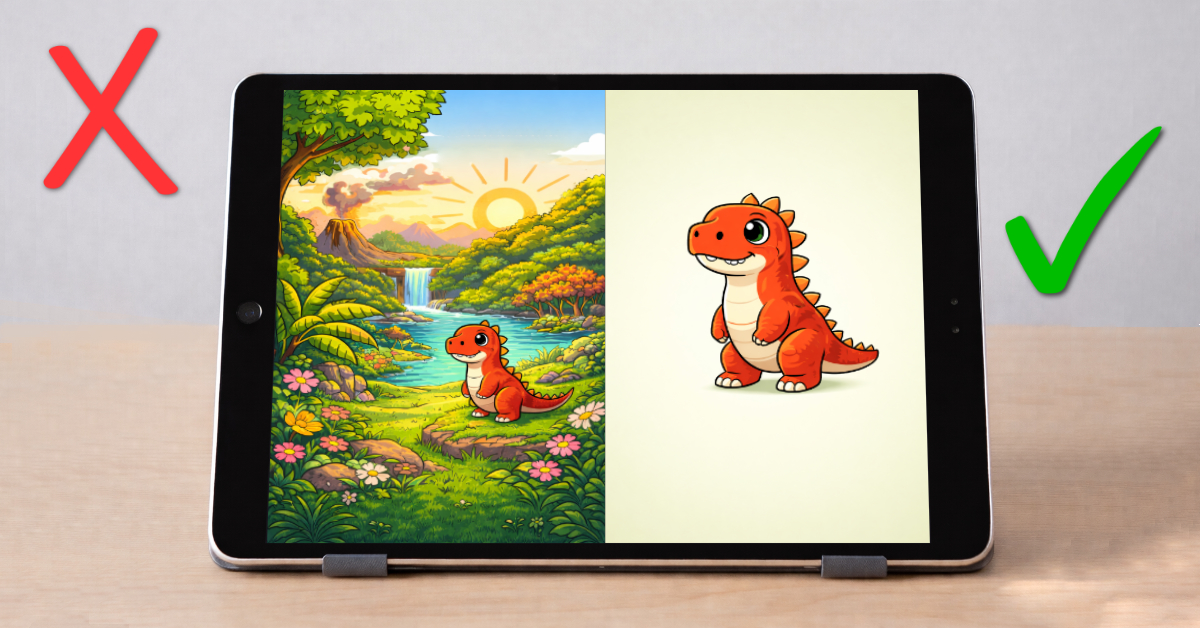
Prepping artwork before you import it saves time and prevents frustration. Most digitizing problems start with the artwork, but a few smart adjustments can prevent most issues.
5 Prep Moves That Fix 80% of Problems
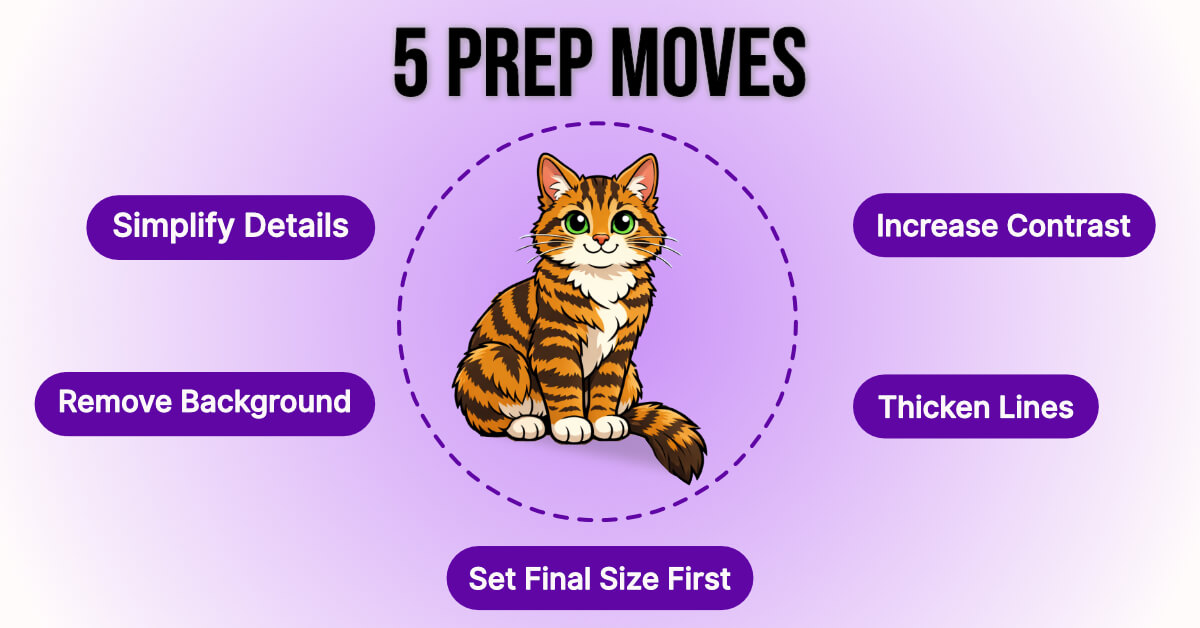
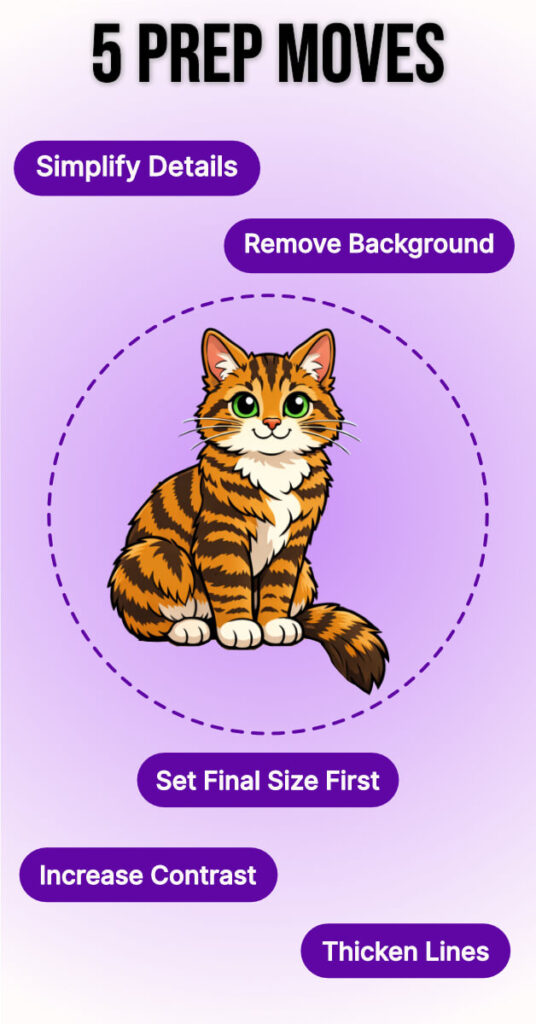
- Simplify tiny details: If a detail only reads when zoomed in, it likely won’t survive being stitched out in thread.
- Increase contrast: Make the subject clearly stand out from the background.
- Thicken thin lines: Hairline strokes often break up or disappear in stitches.
- Remove background noise: Remove textures, shadows, gradients, and clutter behind the subject.
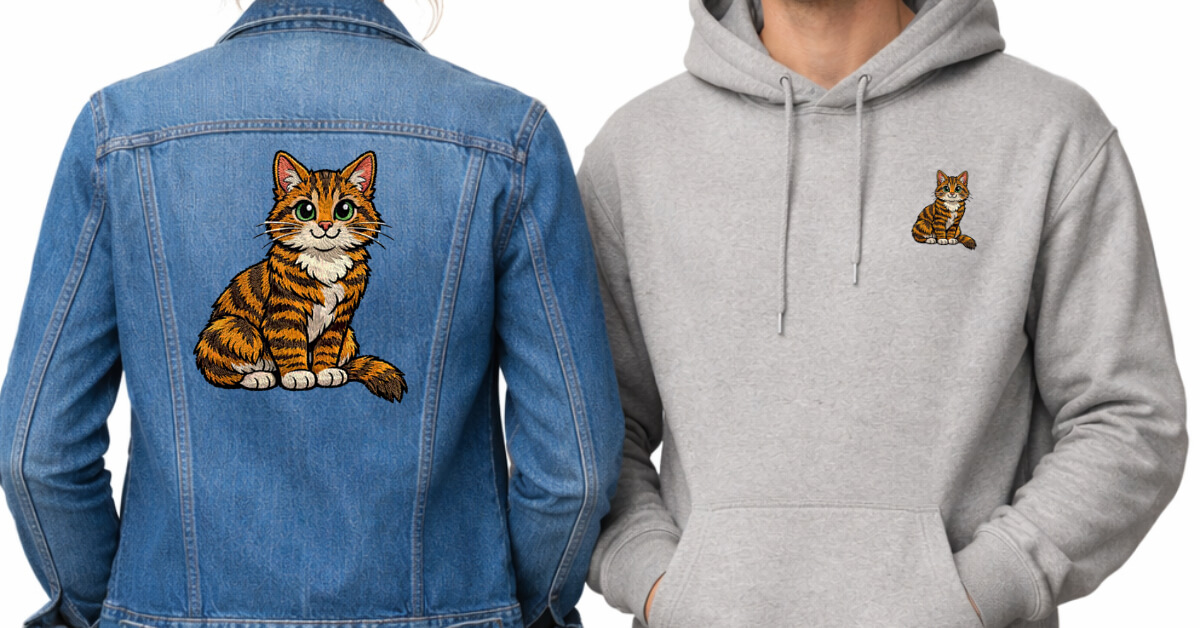
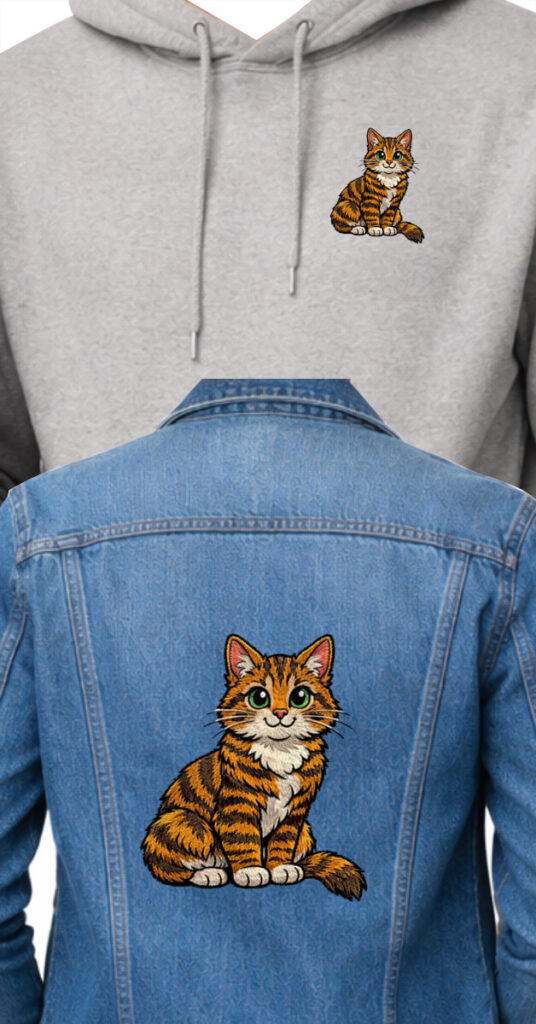
- Confirm the final size first: Set your artwork to the final stitch size before you digitize. Smaller sizes need simpler shapes and wider spacing, and digitizing at the intended size gives you cleaner, more accurate results.
What Kind of Artwork Do You Have?
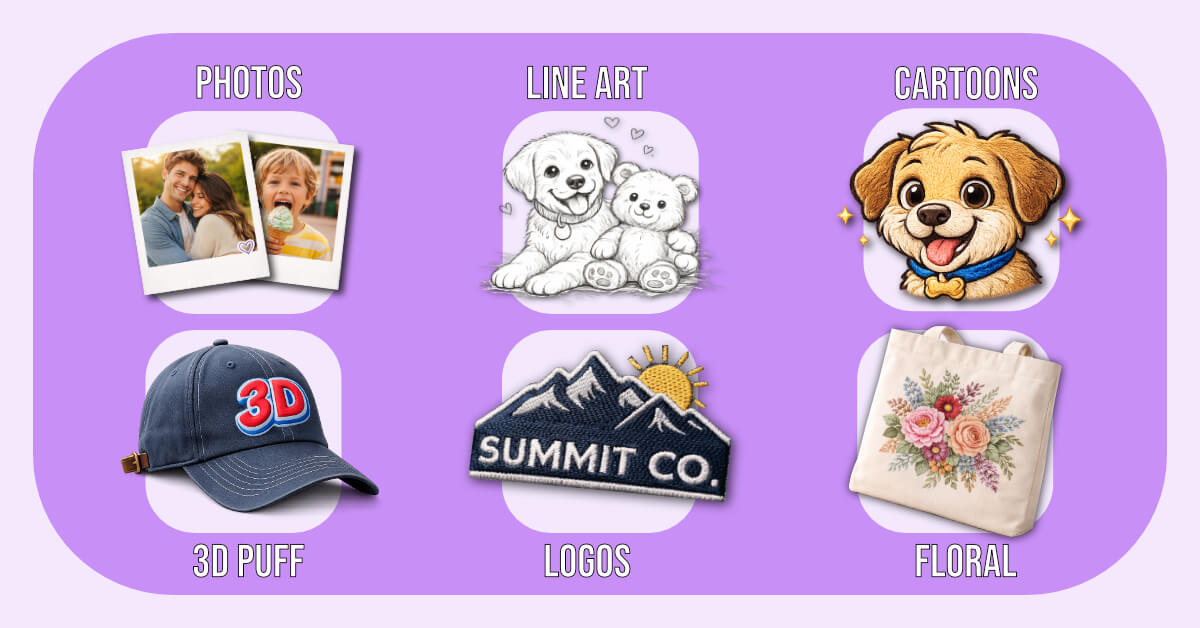
Different artworks require different approaches; use the guide below to pick the right next step.
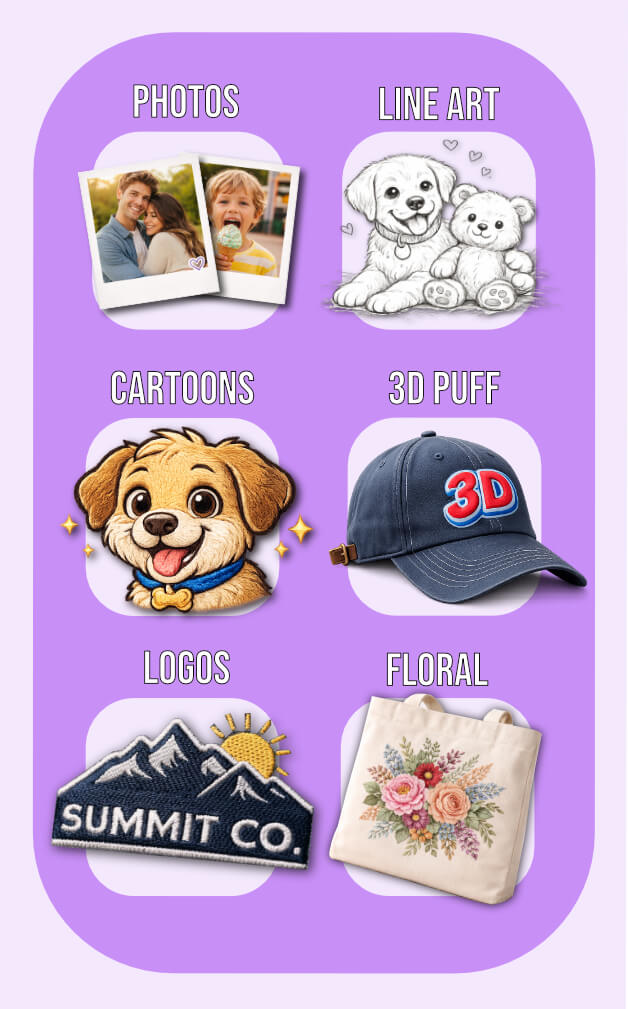
- Photos
- Realistic results usually require simplification or larger sizes.
- Line Art
- Clean, stitch-friendly designs (Redwork, sketch styles).
- Cartoons
- Bold shapes and strong outlines that read well at smaller sizes.
- 3D Puff
- Digitizing 3D Puff creates a raised dimension using simple shapes and strong borders.
- Logos
- Crisp edges and readable text; brand consistency matters when digitizing logos.
- Floral
- Digitizing floral embroidery designs uses natural shapes that translate well into satin and fill stitches.
Conclusion
Great embroidery begins with one smart choice: the artwork.
When you choose stitch-friendly designs (or prepare them properly), digitizing your art becomes cleaner, easier, and far more predictable. When you adapt artwork to the realities of thread, fabric, and size, you can digitize almost anything.
Stop guessing and start creating cleaner stitch-outs with confidence. Our Free Digitizing 101 Course teaches the core theory that makes designs stitch well. From artwork prep and stitch types to underlay, density, and smart pathing. Building the foundation behind reliable, professional results.





Brilliant tips – thank you
Thanks for reading Dawn 🙂
Thank you for another fantastic, informative blog
Glad you enjoyed it Kaz 🙂 thanks for the support!